Skip to content

AI Hairstyle Changer for a Natural New Look

Upload one clear portrait, choose from 24 visual hairstyle presets for women and men, and preview a natural new look without writing a prompt.
  • 24 visual hairstyle presets
  • Women's and men's styles
  • Optional custom description
Young adult woman with natural soft waves created by the AI Hairstyle Changer

Try the AI Hairstyle Changer on Your Photo

Choose women's or men's styles, upload one clear portrait, then select a visual hairstyle preset. Detailed instructions are applied automatically, so no prompt writing is required.

1. Who is the hairstyle for?

Choose the closest style set. You can switch at any time.

2. Upload one clear portrait0/1

JPEG, PNG, or WebP up to 20 MB

3. Choose a hairstyle

Select a real preview below. The detailed hairstyle instruction stays hidden and is applied automatically.

10 credits

Your generated result will appear here

Choose a style and upload your portrait. This panel stays empty until the AI Hairstyle Changer finishes a real generation.

Hairstyle ideas

Explore Looks with the AI Hairstyle Changer

The AI Hairstyle Changer helps you compare different silhouettes and textures on a real portrait instead of guessing from a salon reference that does not look like you.

01

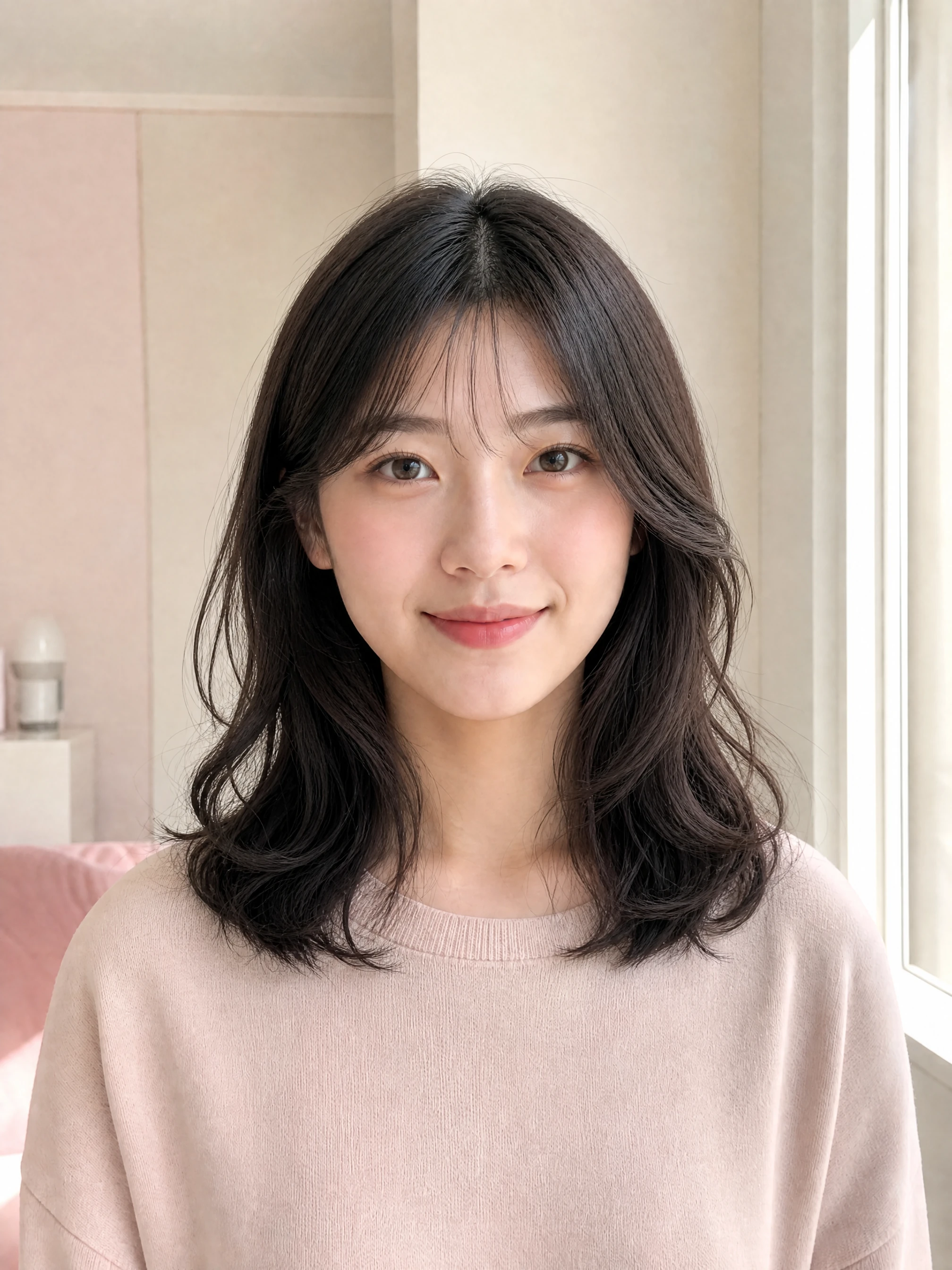
Soft waves with face-framing layers

Add relaxed movement while keeping the hairline, color, face, and expression familiar. This AI Hairstyle Changer preset is useful when you want a softer everyday look without changing your identity.

Try This Hairstyle
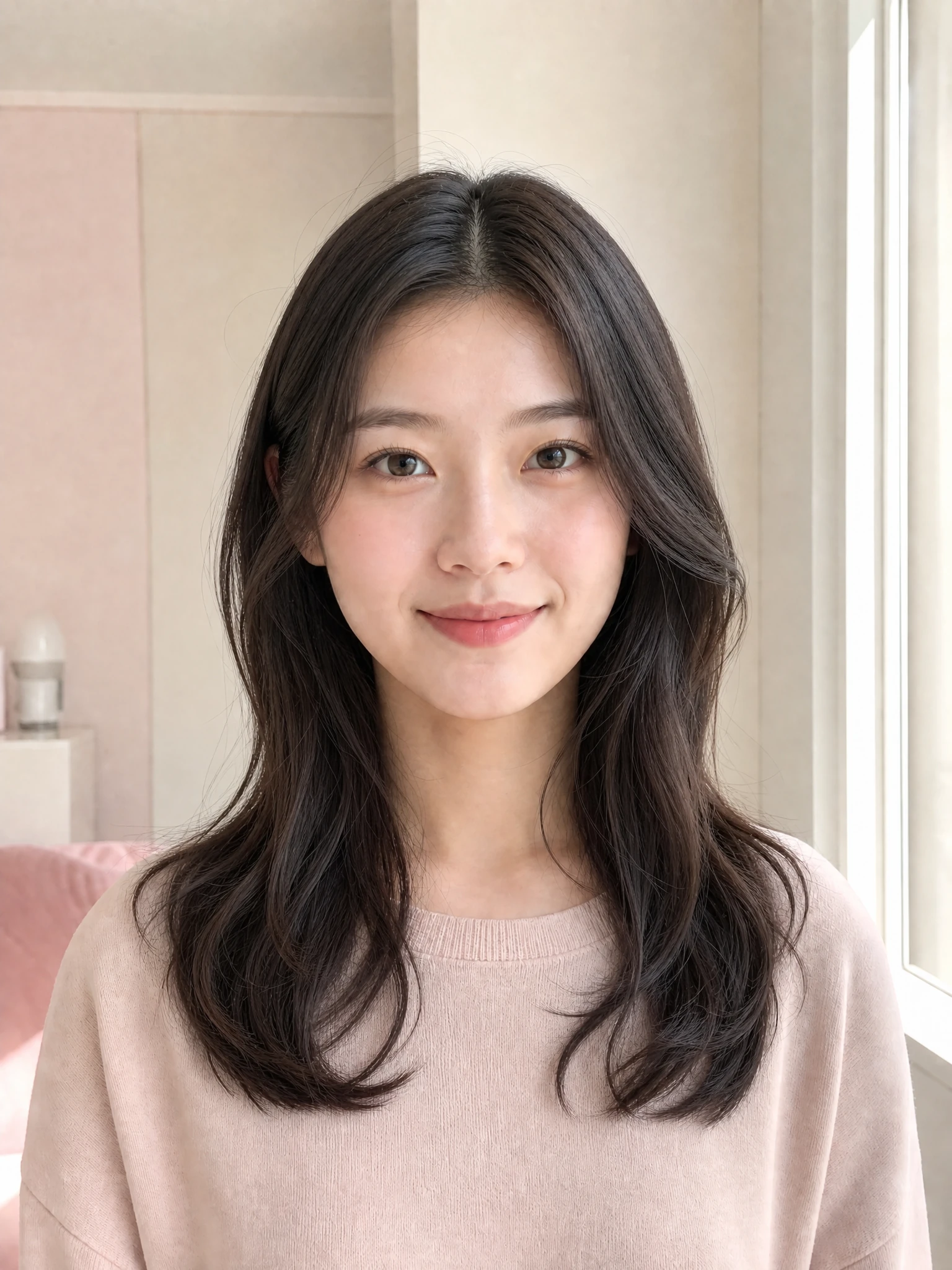
Adult university student previewing long soft waves

02

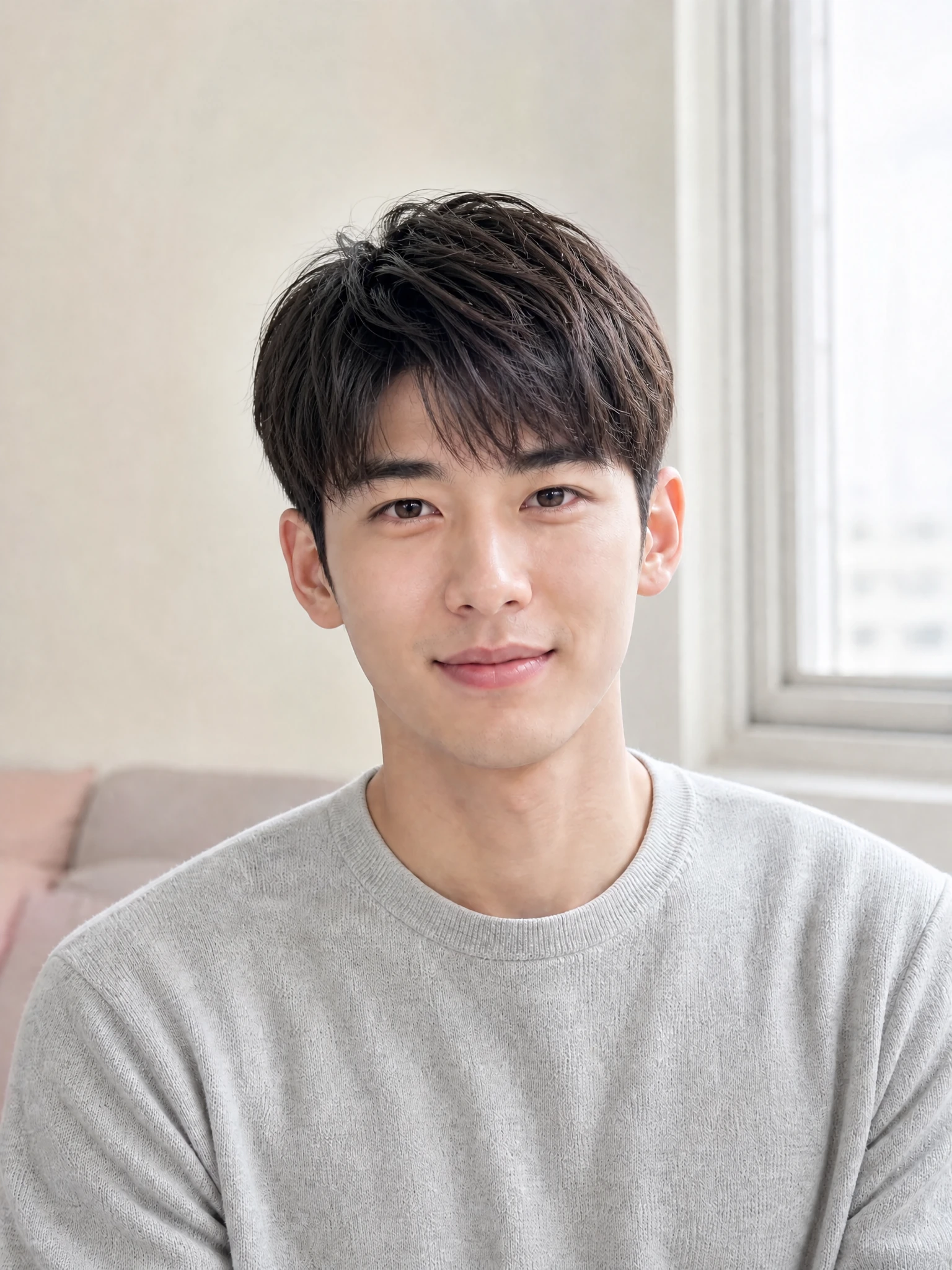
A clean, airy two-block cut

Explore a polished men's look with a shorter underlayer and a softly textured top. The AI Hairstyle Changer keeps the portrait lighting and background stable so the haircut remains easy to compare.

Try This Hairstyle
Adult male university student previewing an airy two-block haircut

03

Loose layered curls with wispy bangs

Preview extra volume, texture, and gentle bangs while preserving the person behind the hairstyle. If you want tighter curls or lighter layers, open the optional custom description.

Try This Hairstyle
Adult university student previewing layered curls and wispy bangs
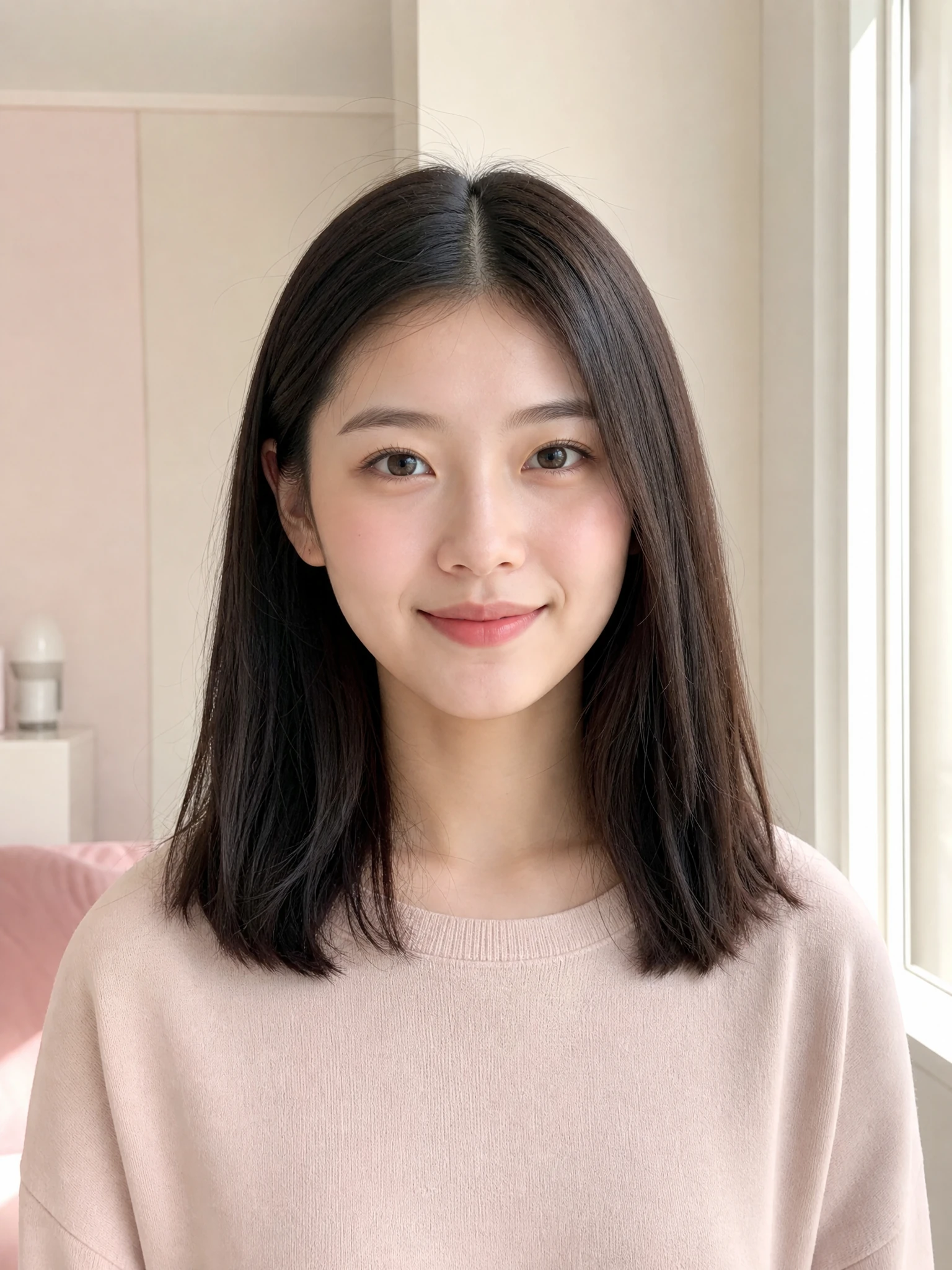
Original portrait with straight shoulder-length dark hairNew hairstyleOriginal

Before and after

Compare the AI Hairstyle Changer Result Clearly

Drag the divider to compare the original straight hairstyle with a soft-wave preview. A useful AI Hairstyle Changer should make the haircut easy to judge without hiding the face behind labels, cards, or decorative overlays.

  • The face, expression, clothing, and background stay visually consistent.
  • The complete hair silhouette remains visible inside a crop-safe portrait.
  • If the visual presets do not fit, open the optional custom description for a specific length, fringe, texture, or volume.
Preview My Hairstyle

How it works

How to Use the AI Hairstyle Changer

The guided AI Hairstyle Changer removes prompt writing from the normal workflow. Choose a style set, upload a clear portrait, and select the preview you want.

01

Choose women's or men's styles

Start with the preset collection that best matches the person in your photo. You can switch between the two style sets at any time.

02

Upload one clear portrait

Use a front-facing or slightly angled photo with the hairline, top of the head, and both shoulders visible. Even lighting helps preserve a natural result.

03

Pick a look and generate

Choose one of 24 visual presets and generate. If none fits, open the optional custom description, then review and download your favorite result.

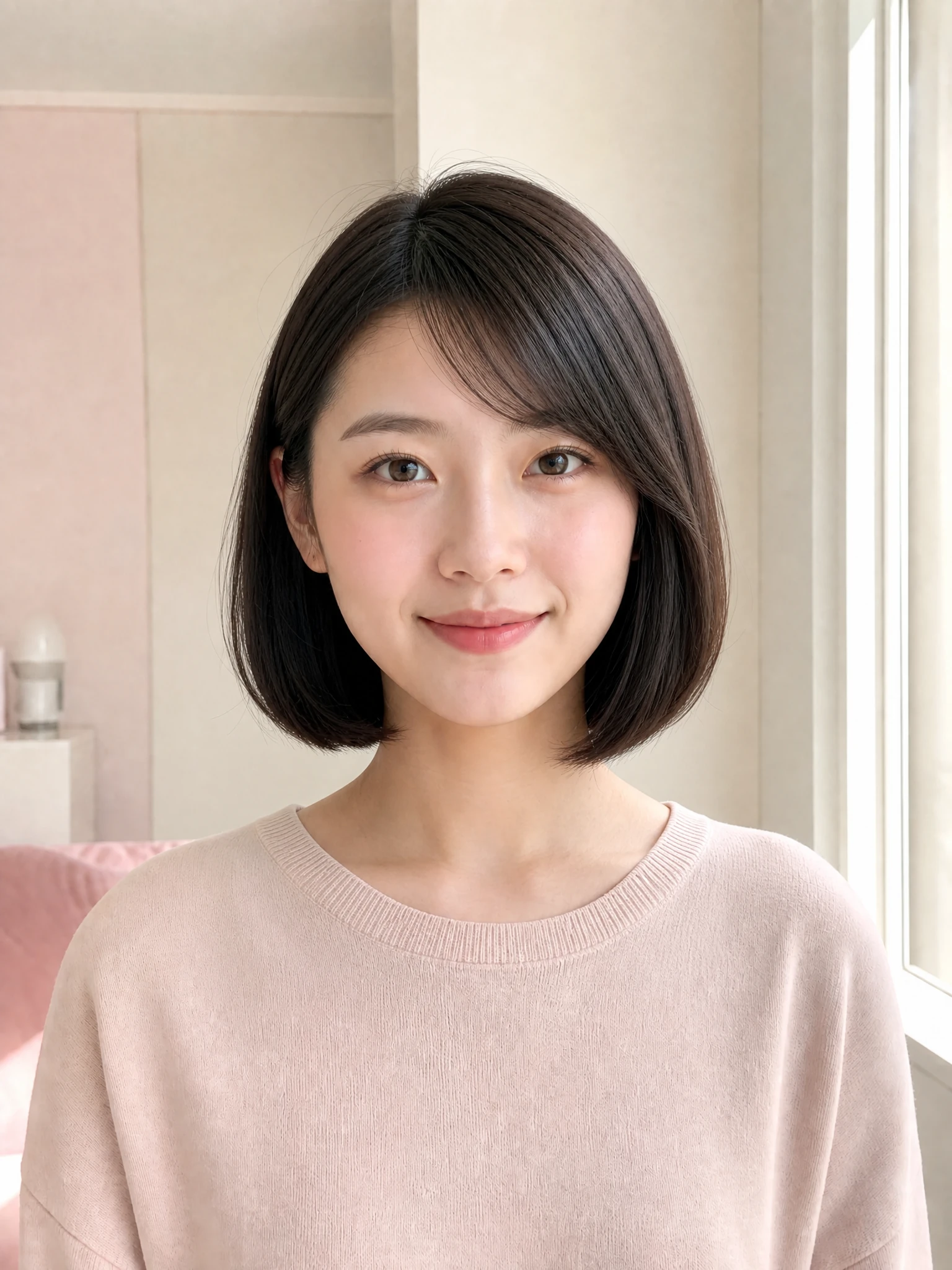
Natural French bob preview made with the AI Hairstyle Changer

Why This AI Hairstyle Changer Feels More Useful

This AI Hairstyle Changer page is designed around one real decision: understanding how a hairstyle may frame your own face. It avoids unrelated editing controls and keeps the next action obvious.

Natural identity-aware previews

The AI Hairstyle Changer prompt is written to change the hair while preserving facial features, expression, clothing, pose, lighting, and background as closely as the model allows.

Private account-backed workflow

You can browse the AI Hairstyle Changer before signing in. Uploading and generating require your account so credits, task history, and completed results remain connected to the right user.

Focused presets without guesswork

Each preset gives the AI Hairstyle Changer a detailed instruction instead of a vague one-word label, making it easier to refine length, bangs, parting, curls, and volume.

Frequently asked questions

AI Hairstyle Changer FAQs

Read AI Hairstyle Changer answers about suitable portraits, identity preservation, hairstyle prompts, credits, privacy, and realistic expectations before you create a new preview.

Use a clear portrait with one adult person, even lighting, an unobstructed face, and the complete hair silhouette visible. A front-facing or gently angled photo gives the AI Hairstyle Changer enough information to preserve the portrait while replacing the hairstyle.

Try a New Look with the AI Hairstyle Changer

Open the AI Hairstyle Changer, upload a clear portrait, choose a hairstyle preset, and create a polished preview that keeps the focus on your face and the haircut you want to explore.

Try This Hairstyle