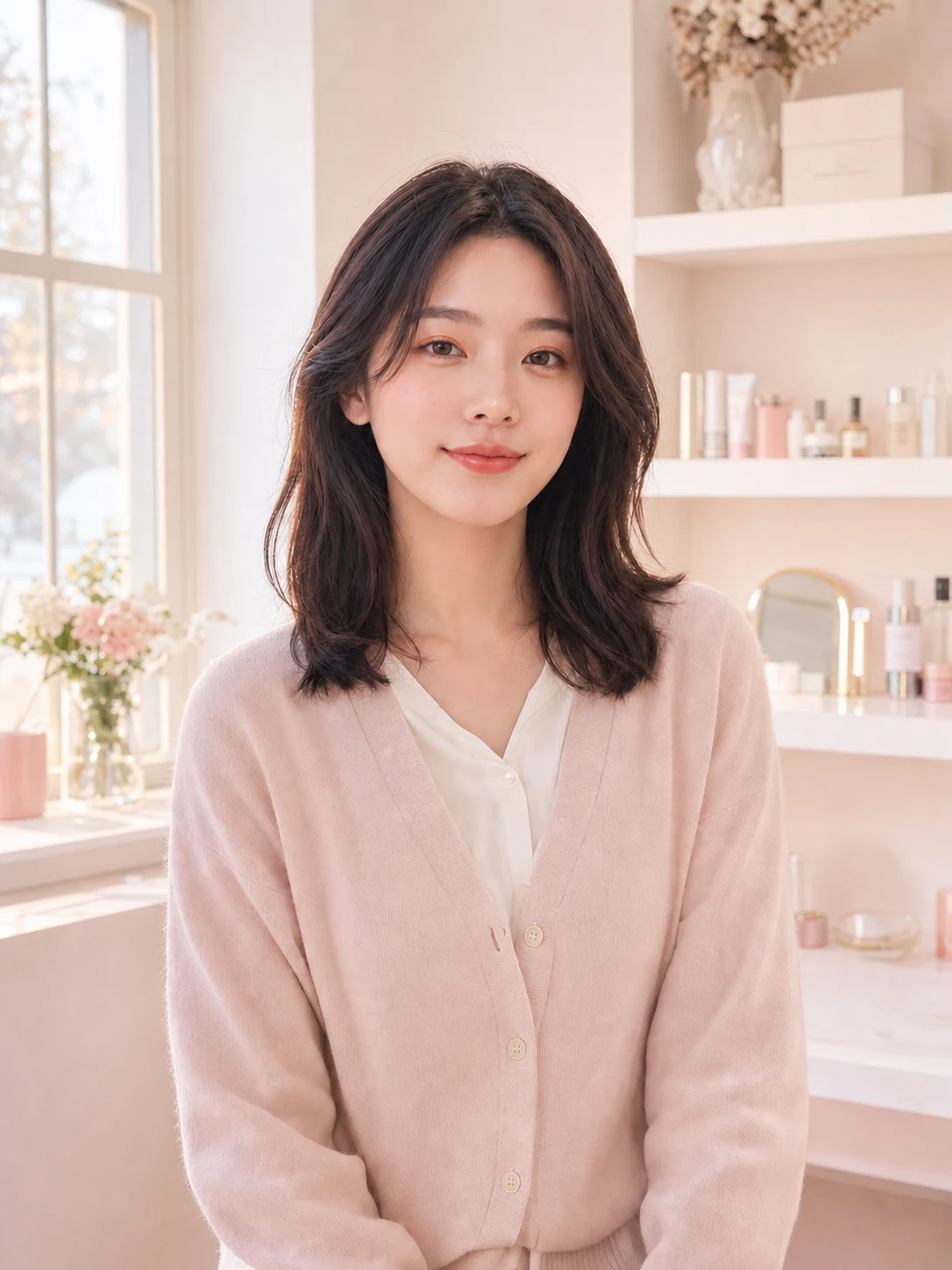
01
Everyday clean makeup
A sheer base, groomed brows, soft lashes, and nude-pink lips create a polished look that still reads as you.
Try this look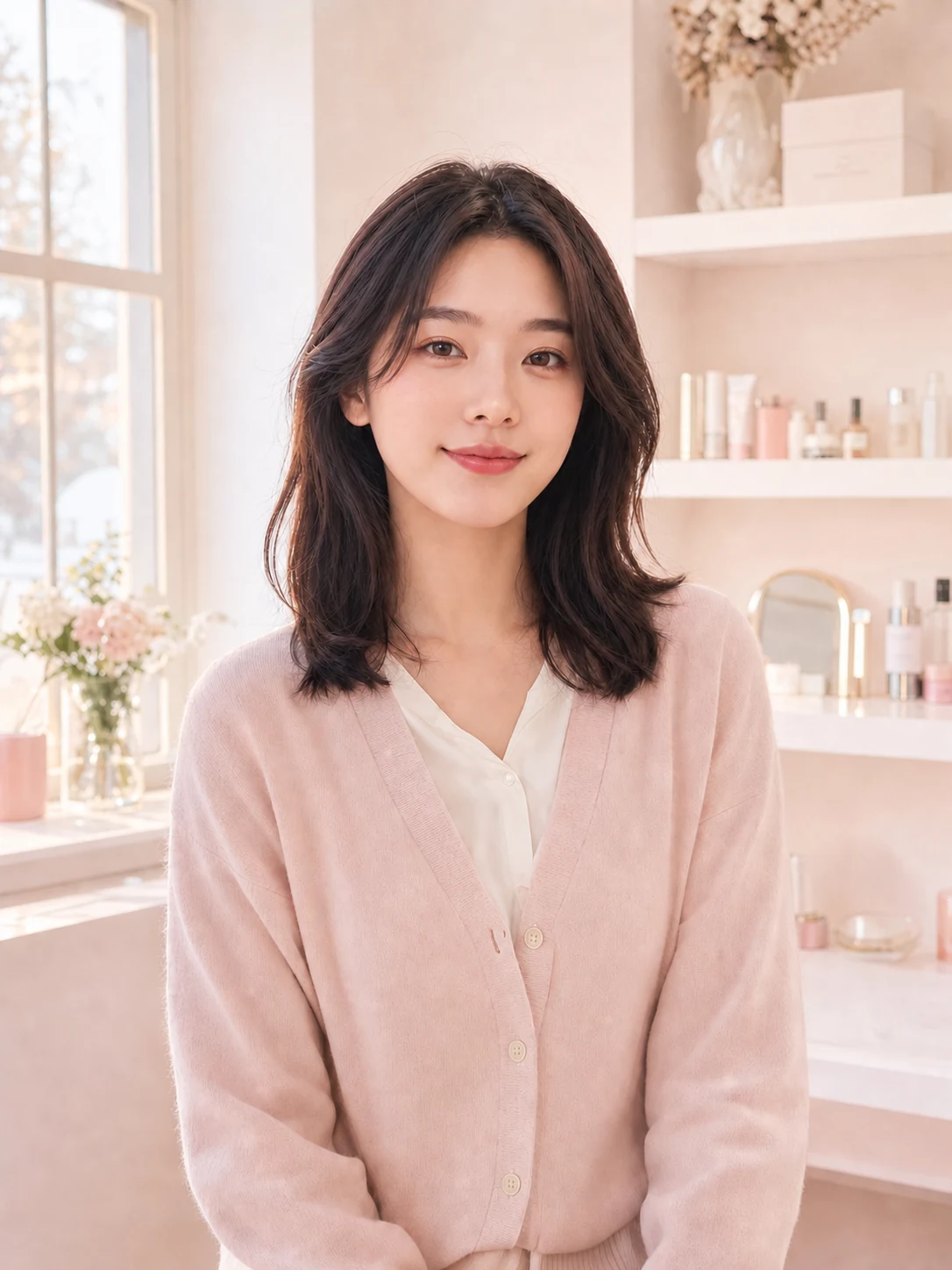
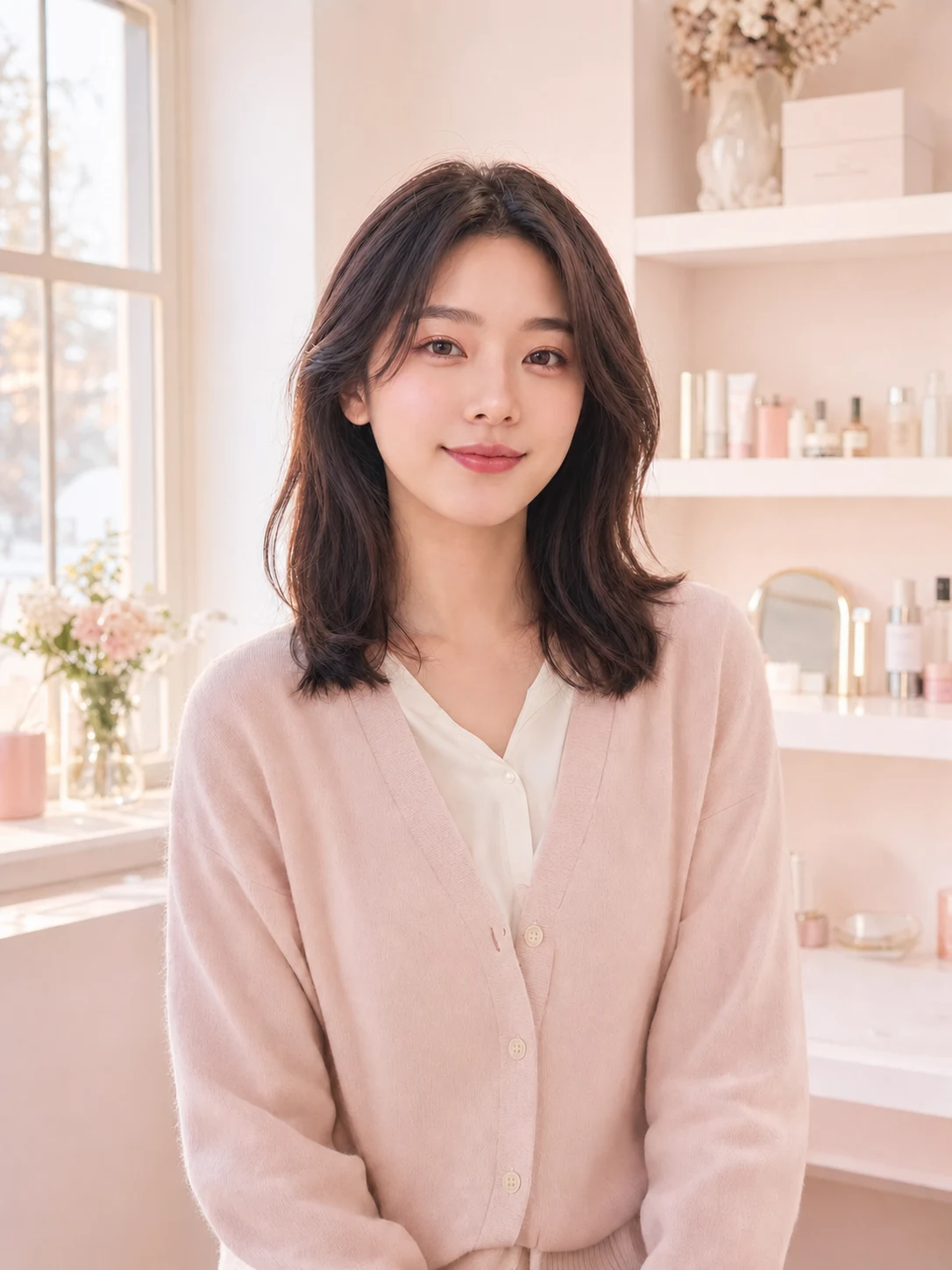
Upload a front-facing portrait, compare the finished makeup examples, and choose a complete look. A custom description is available only when you need it.
JPEG, PNG, or WebP up to 20 MB
These style cards are examples. Your result is created only after you upload a photo and start generation.
Looks for real plans
Use AI Virtual Makeup to compare complete looks for daily wear, photos, dates, and events without losing your natural skin texture.
01
A sheer base, groomed brows, soft lashes, and nude-pink lips create a polished look that still reads as you.
Try this look02
Mauve-gray eyes, cool blush, and muted lips offer a coordinated evening direction without heavy contour.
Try this look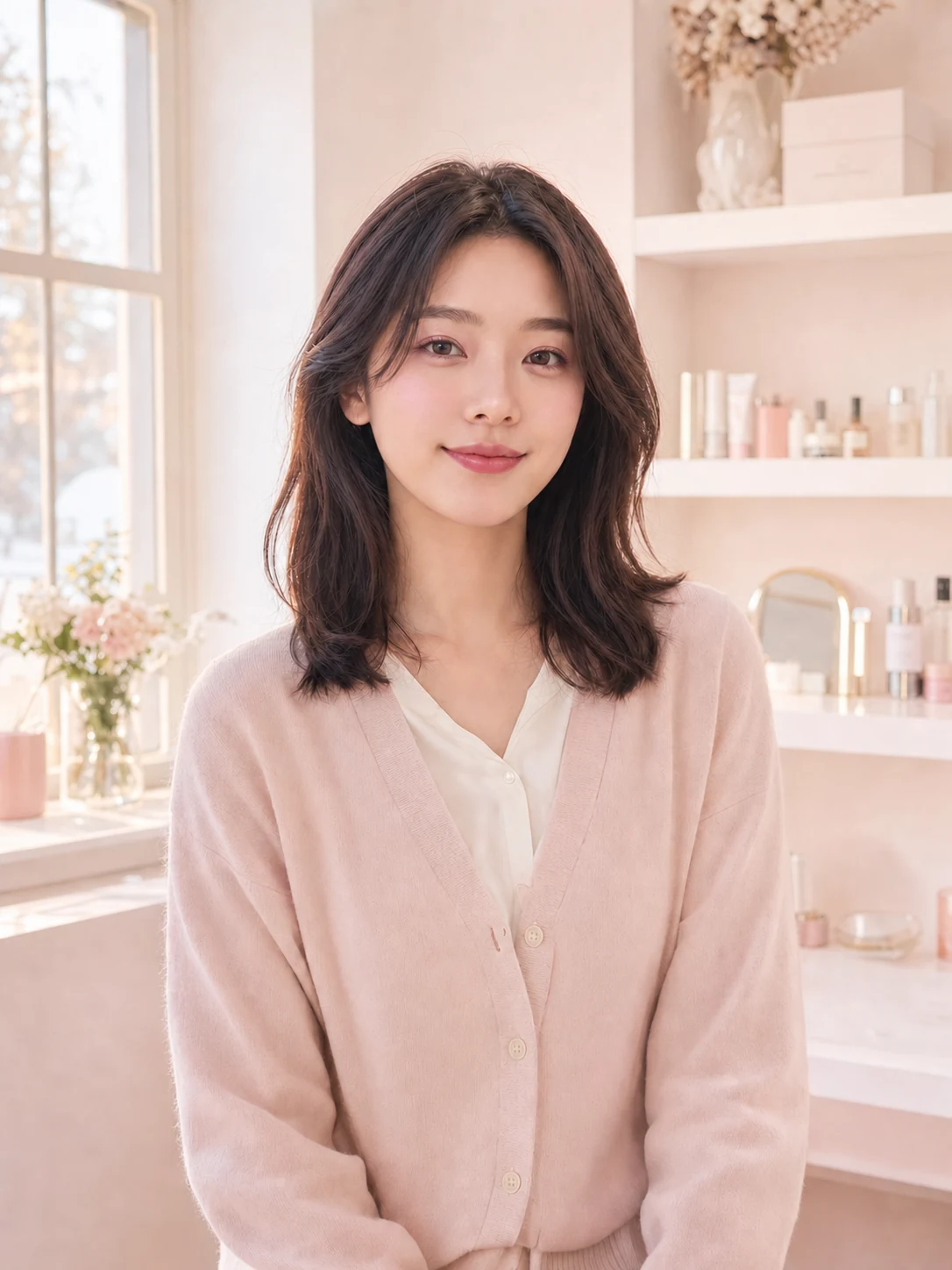
03
A true-red satin lip paired with restrained eyes and cheeks keeps the result confident and balanced.
Try this look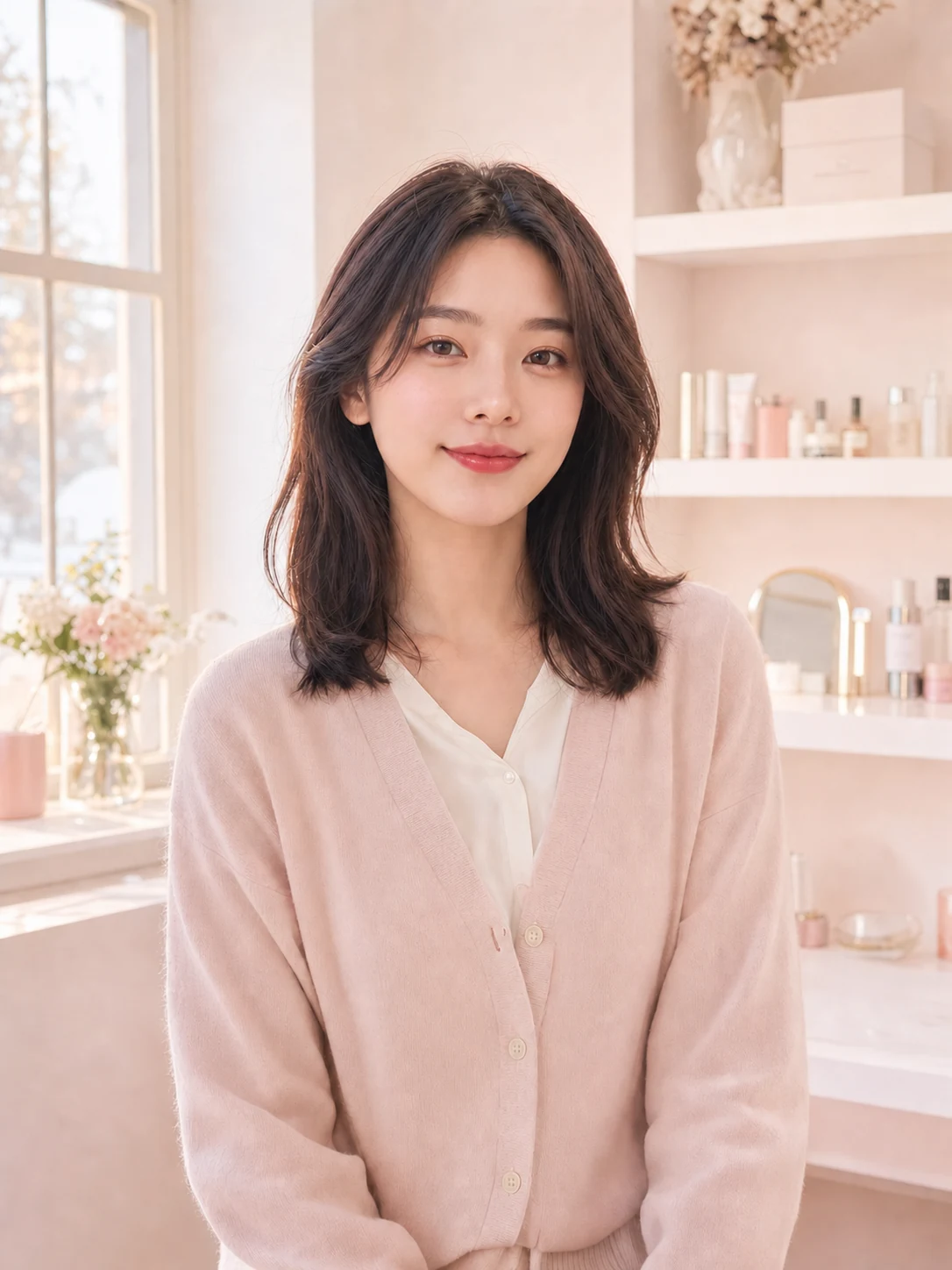
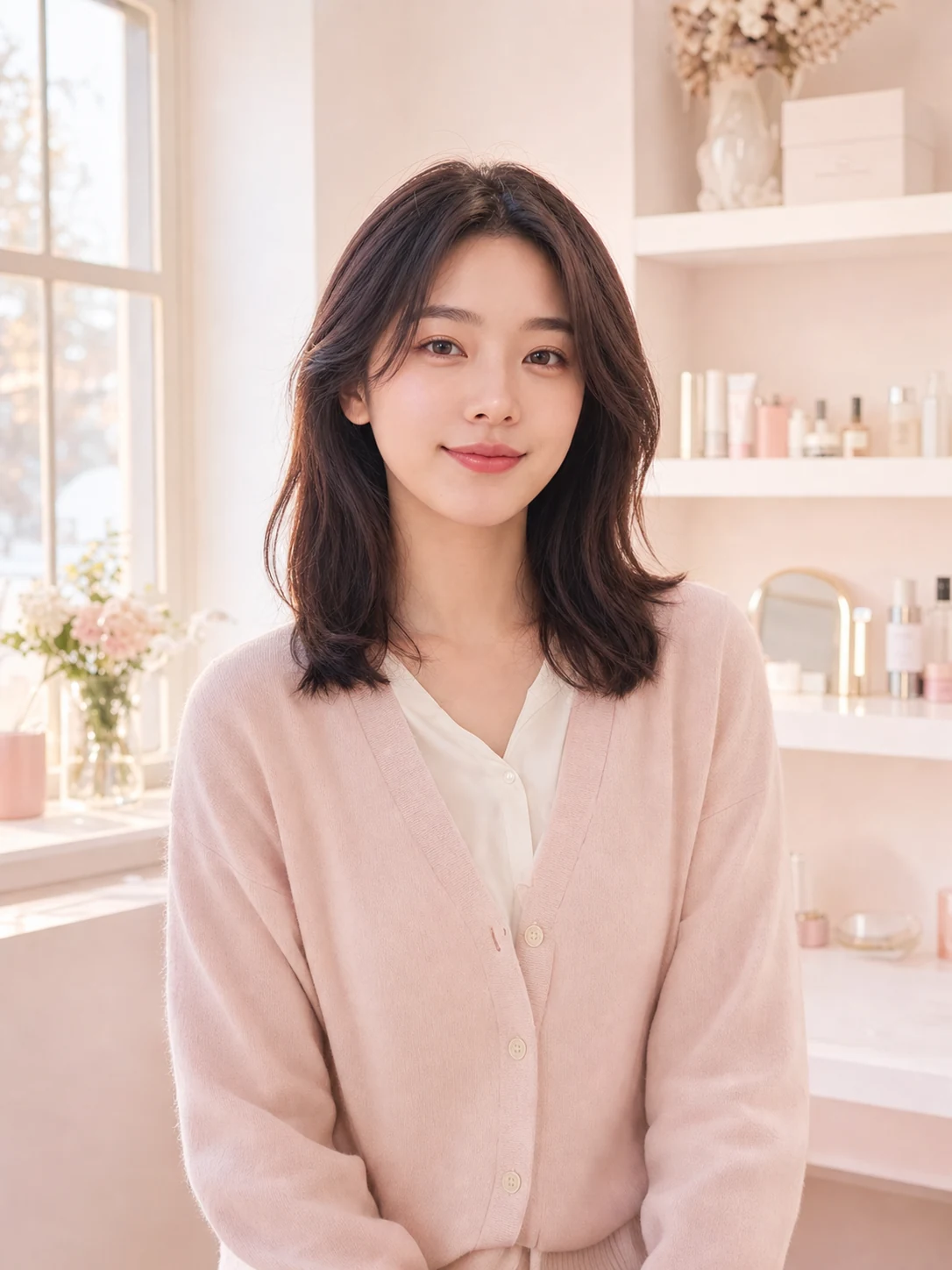 Peach glowOriginal
Drag to compare
AI Virtual Makeup focuses on cosmetic color and finish while preserving facial structure, skin tone, expression, hair, clothing, and the original setting.
Three simple steps
With AI Virtual Makeup, choose visually, generate once, and judge the finished look on your own features.
01
Use even front lighting and keep your eyes, cheeks, lips, and jawline unobstructed.
02
Select a finished example based on mood, or describe a custom combination if needed.
03
Generate the makeup on your photo, review the before-and-after, and save your favorite direction.
AI Virtual Makeup is built around choosing a look, not learning an editor before you can see a result.
Each preset combines eyes, cheeks, and lips so the final result feels intentional rather than pieced together.
The edit instructions preserve identity and skin tone instead of turning the preview into a different person.
Real result examples replace technical prompt writing for the most common makeup goals.
Makeup questions
What to expect and how to get a natural, useful result from AI Virtual Makeup.
Choose a sharp, front-facing portrait in soft, even light. Keep hair, hands, glasses glare, and deep shadows away from the eyes, cheeks, and lips.
Open AI Virtual Makeup, upload a clear portrait, and create a personalized look that keeps your real features in focus.
Try this look