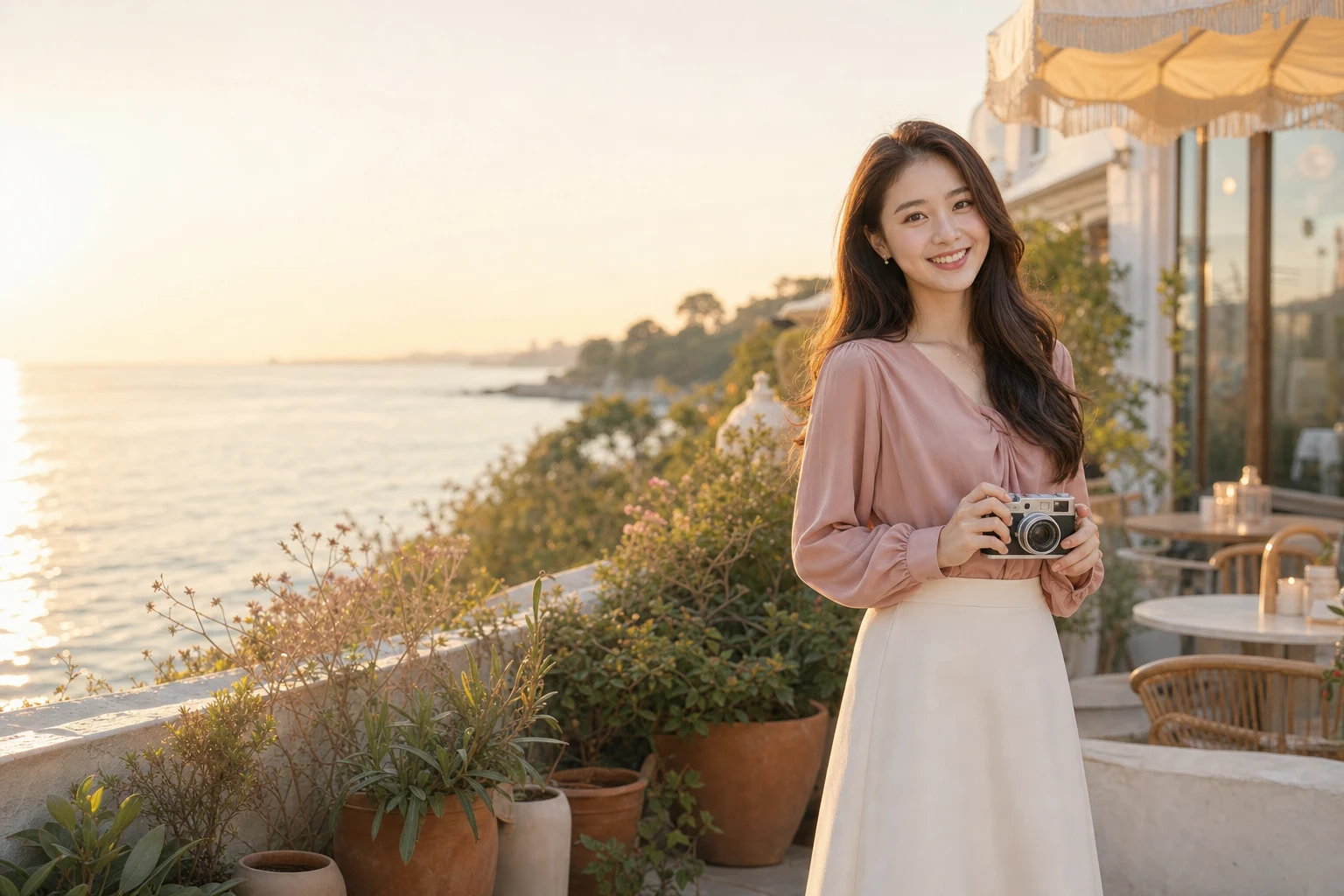
01
Choose a visual direction
Select the finished look that is closest to the photo you want to create.
Choose an AI Social Media Photo Generator story, then set the ratio for a feed post, story or wider composition. Use a custom prompt only when the prepared scenes do not fit.
The preview stays honest and empty until the model completes the post image.
Stories, not filler
Each AI Social Media Photo Generator direction changes the visual story, wardrobe and time of day instead of recycling one generic portrait.
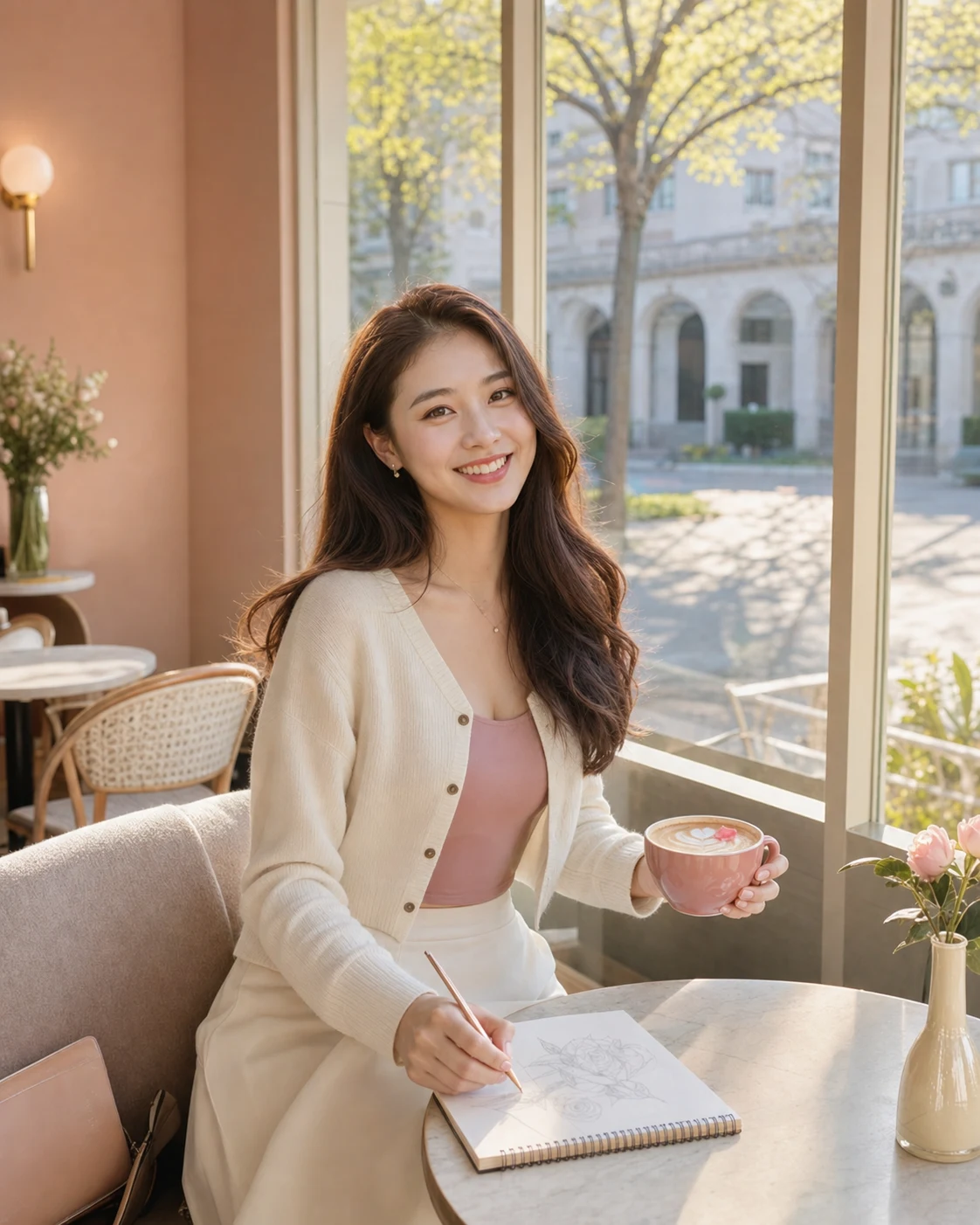
Sunlit cafe post
Warm daylight, a sketchbook and a relaxed cafe action for lifestyle, study and creator posts.
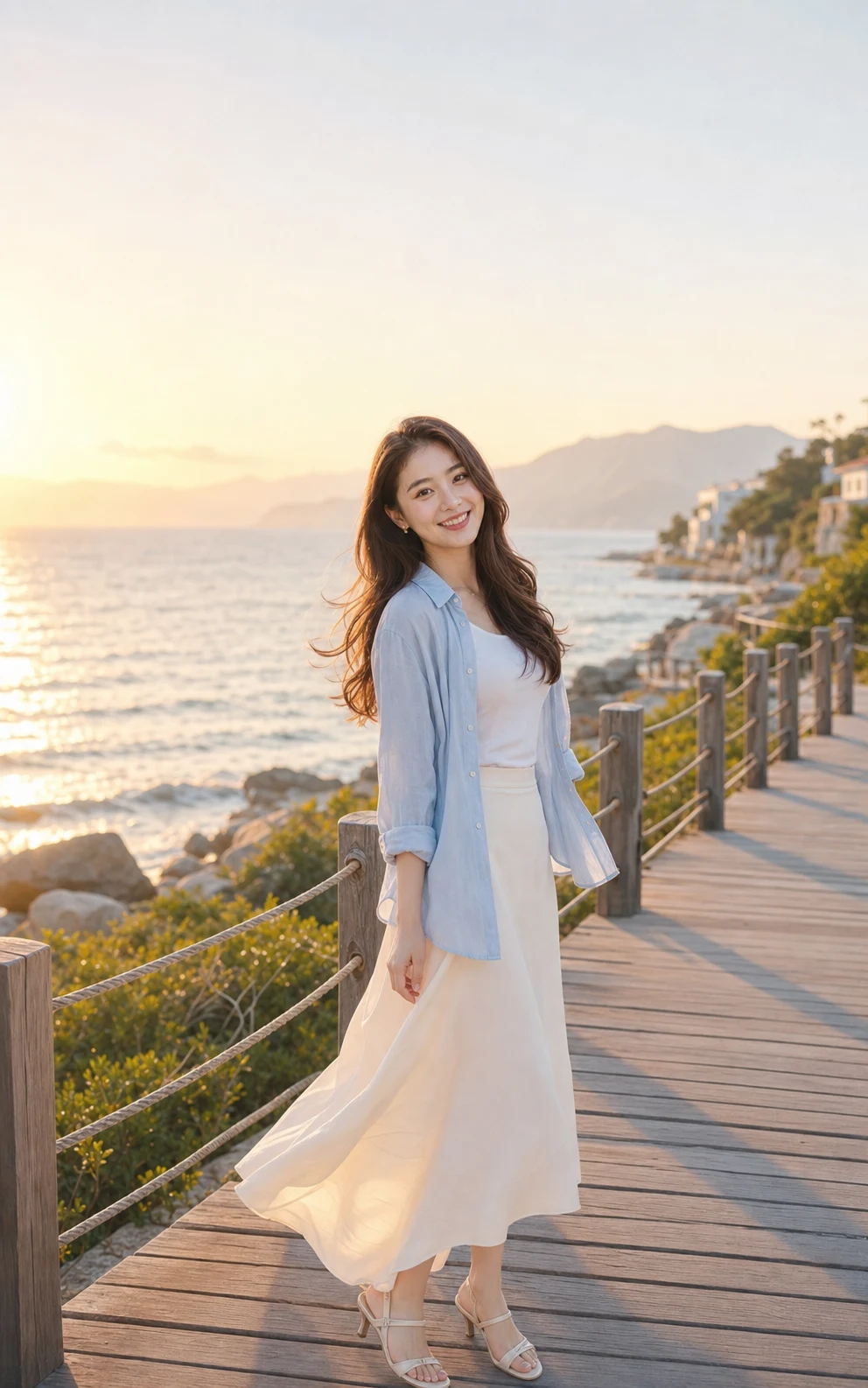
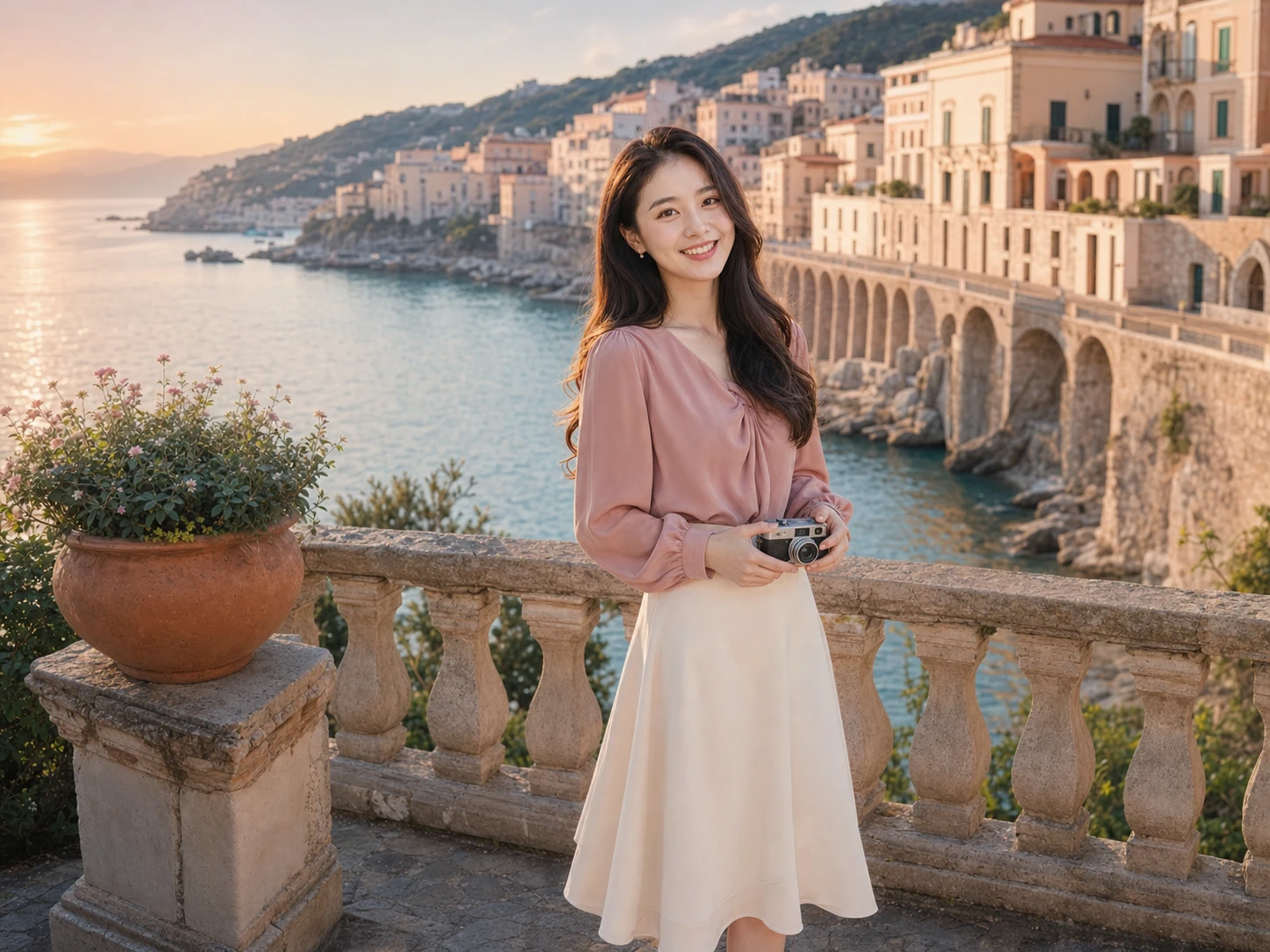
Golden-hour travel
A wide golden-hour setting with graceful movement for travel diaries and seasonal campaigns.
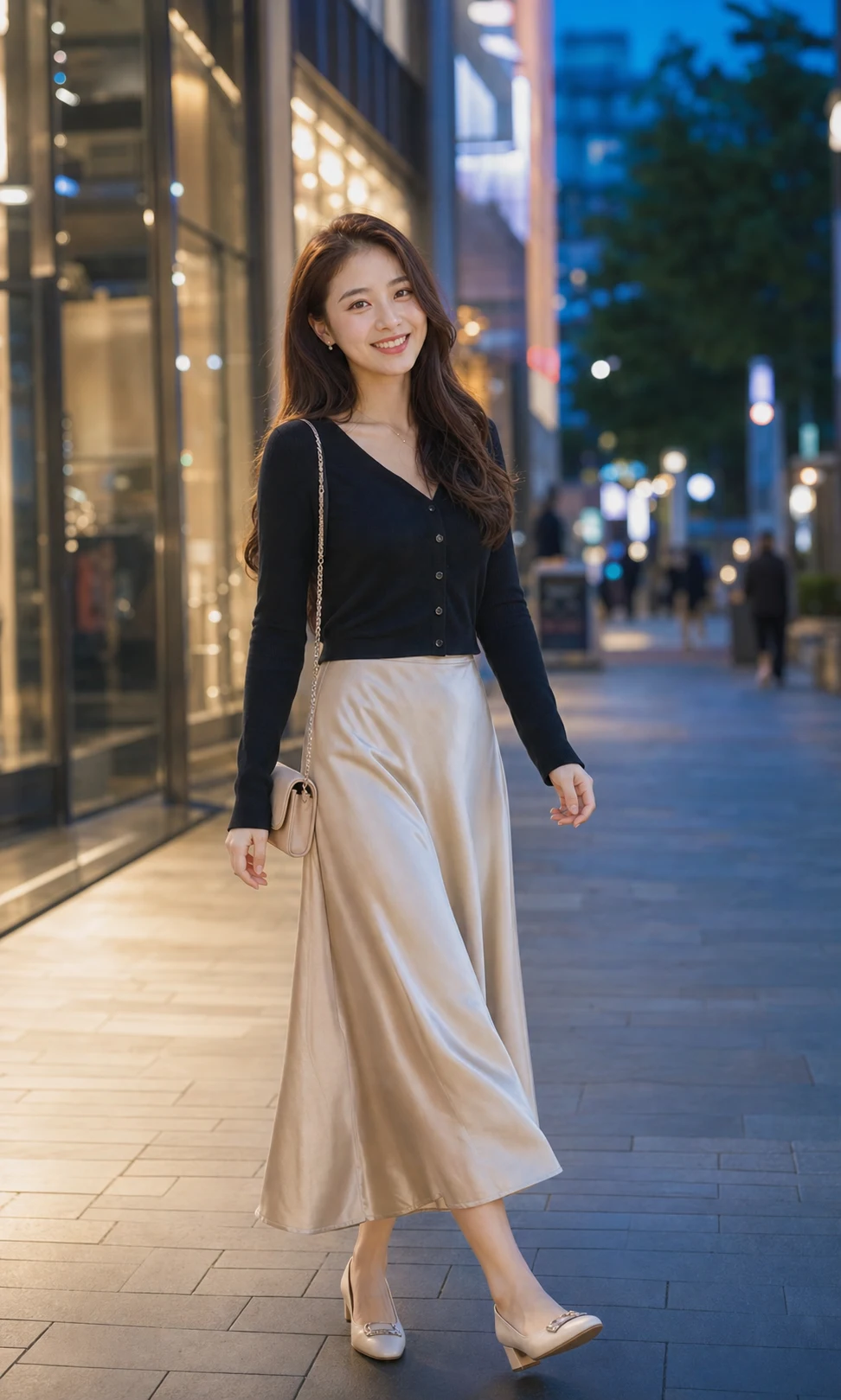
Blue-hour city style
Cool blue-hour atmosphere and polished styling for fashion, city and personal-brand content.
Prompt-light creation
Start from a visual direction, let the prepared prompt do the detailed work, and adjust only when you want more control.
01
Select the finished look that is closest to the photo you want to create.
02
The selected style supplies a complete prompt for lighting, composition, outfit, and mood.
03
Download the result or open custom direction to fine-tune the next generation.
Every detail is organized around a fast, understandable and account-backed creative workflow.
See the intended result before spending credits, with prompts hidden until you actually need them.
Sign-in, task history, credit checks, result tracking and supported failure refunds use the existing secure account flow.
Each workflow is connected to a focused KIE-backed image model instead of a decorative demo button.
Plan the post
AI Social Media Photo Generator answers about scene presets, aspect ratios, custom prompts, commercial use and credits.
The AI Social Media Photo Generator supports 4:5 or 3:4 for many feed posts, 9:16 for stories and reel covers, 1:1 for square grids, and 16:9 for wider images. Confirm current platform requirements.
Choose the story and platform ratio in the AI Social Media Photo Generator, then create a polished social photo with enough visual direction to feel intentional.
Try it now