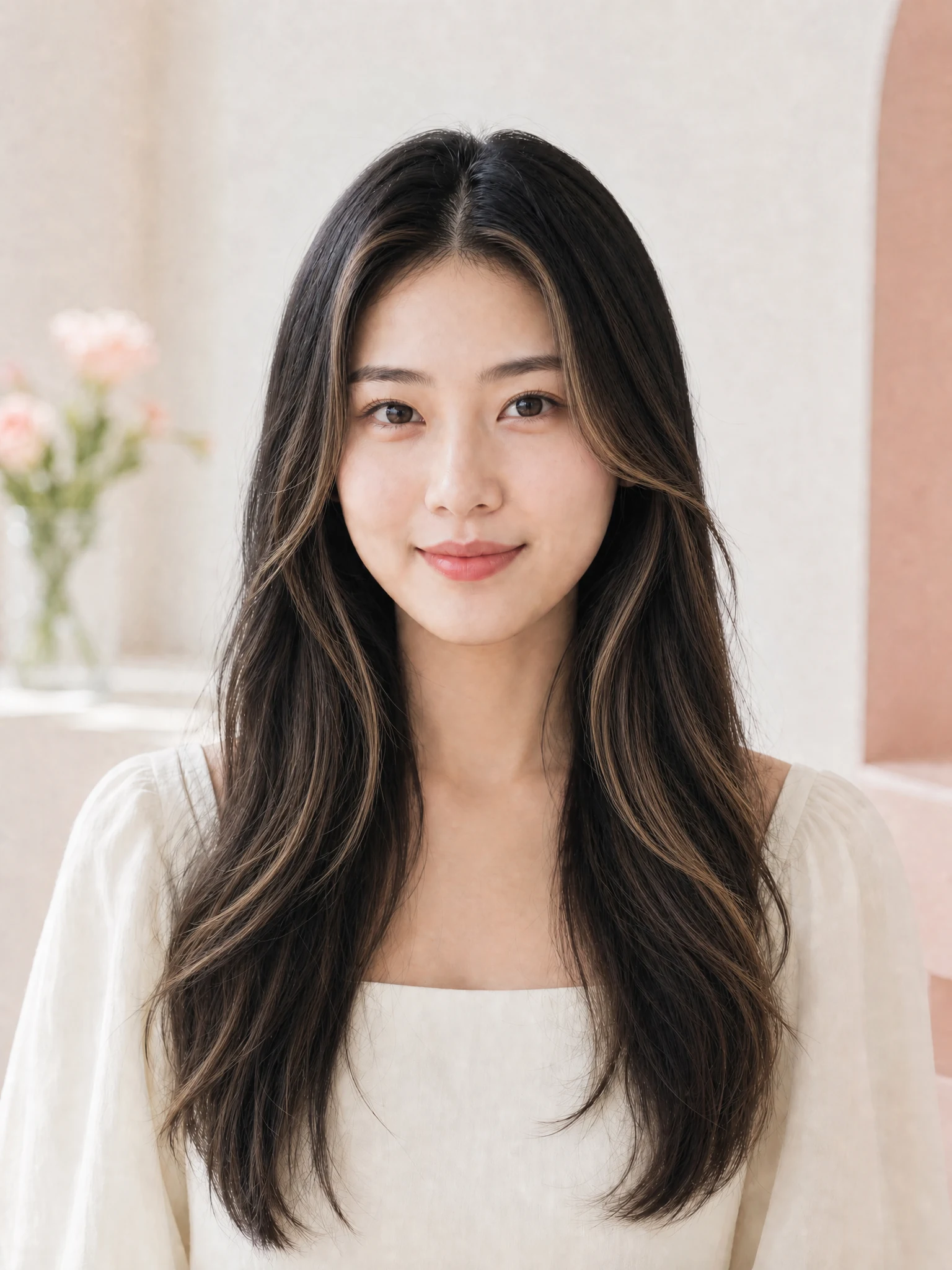
01
Natural brunette dimension
Chocolate brown adds warmth and depth while keeping a believable root transition and natural shine.
Try this shade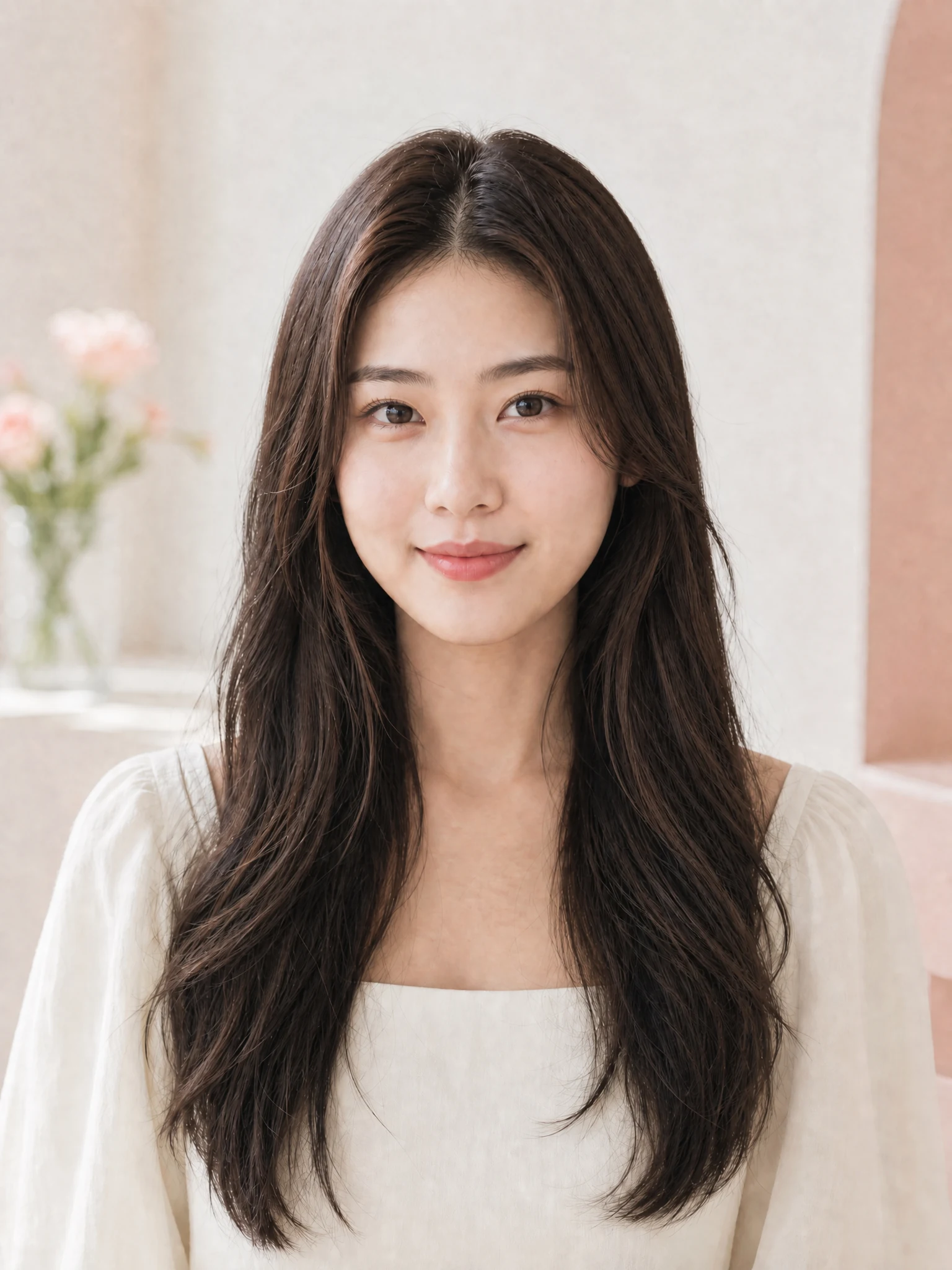
Upload a well-lit portrait, compare the finished shade examples, and choose the color that suits you. The prompt stays hidden unless you want a custom shade.
JPEG, PNG, or WebP up to 20 MB
The style cards are examples only. We will create a new hair color result from the photo you upload.
Find your tone
Use the AI Hair Color Changer to explore everyday neutrals, dimensional highlights, and expressive color without guessing from a tiny swatch.
01
Chocolate brown adds warmth and depth while keeping a believable root transition and natural shine.
Try this shade02
Honey blonde balances golden brightness with a soft root melt, making the preview easier to discuss with a colorist.
Try this shade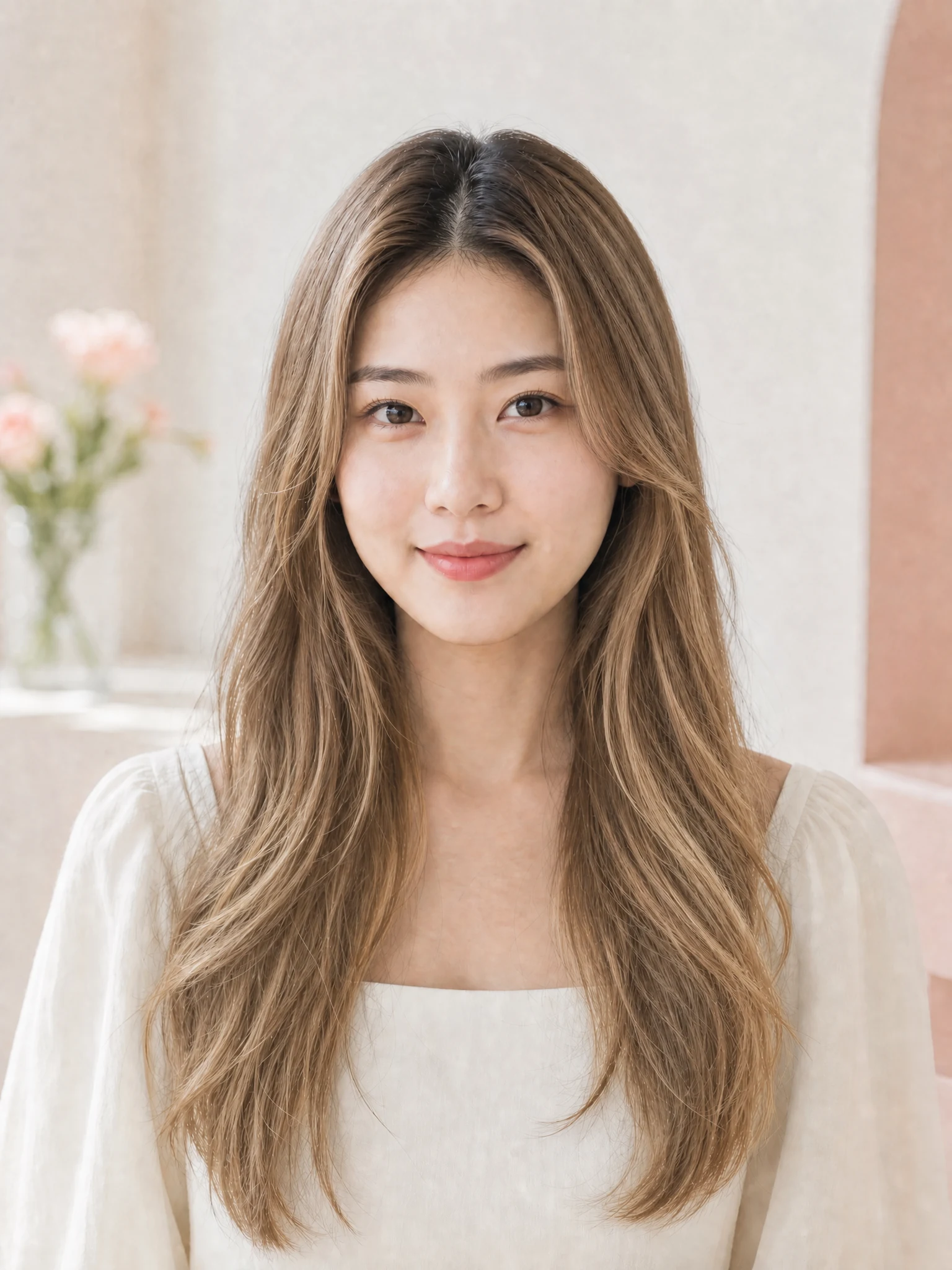
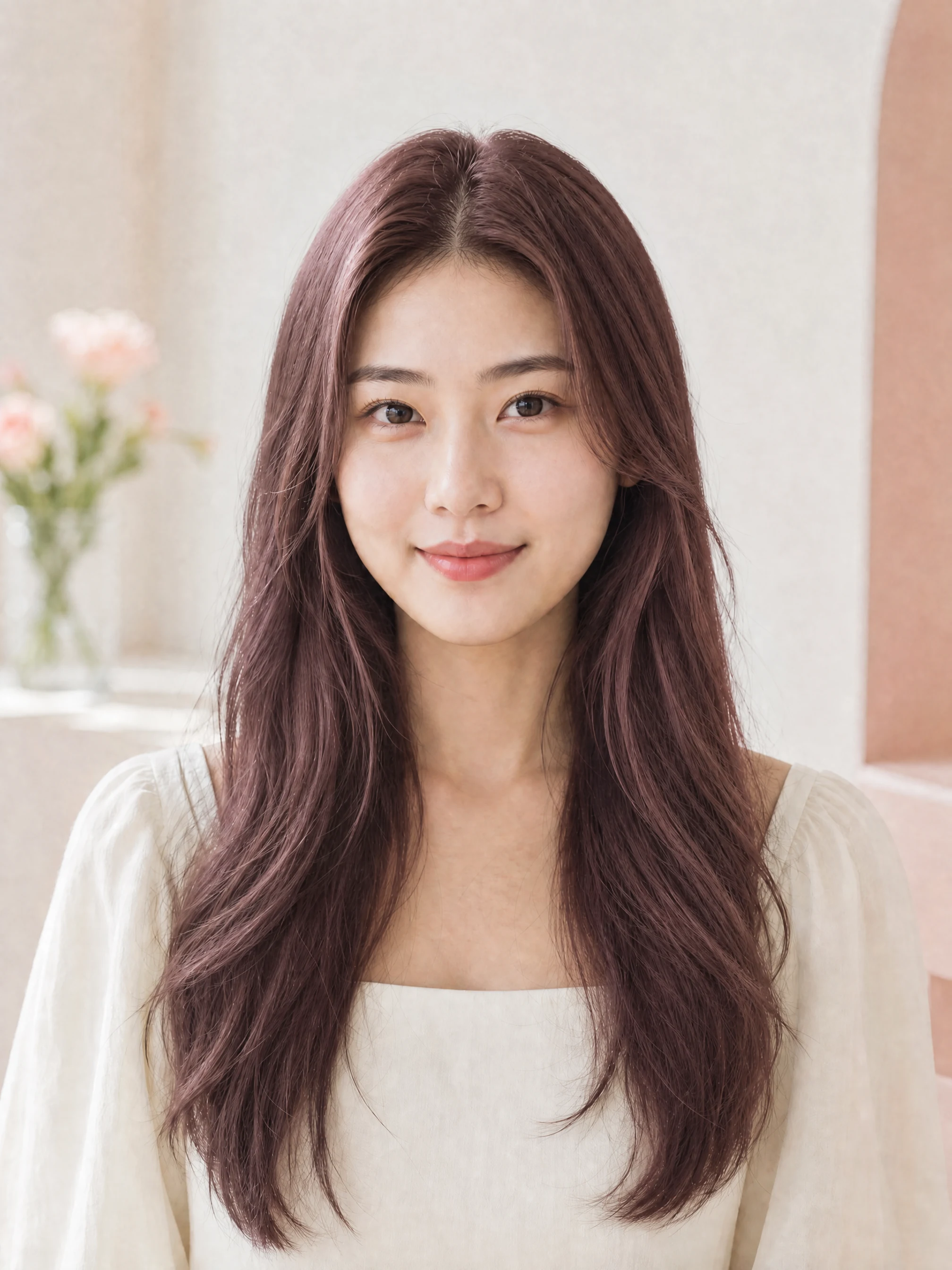
03
Smoky lavender adds a cool editorial mood while retaining strand detail and the original hairstyle.
Try this shade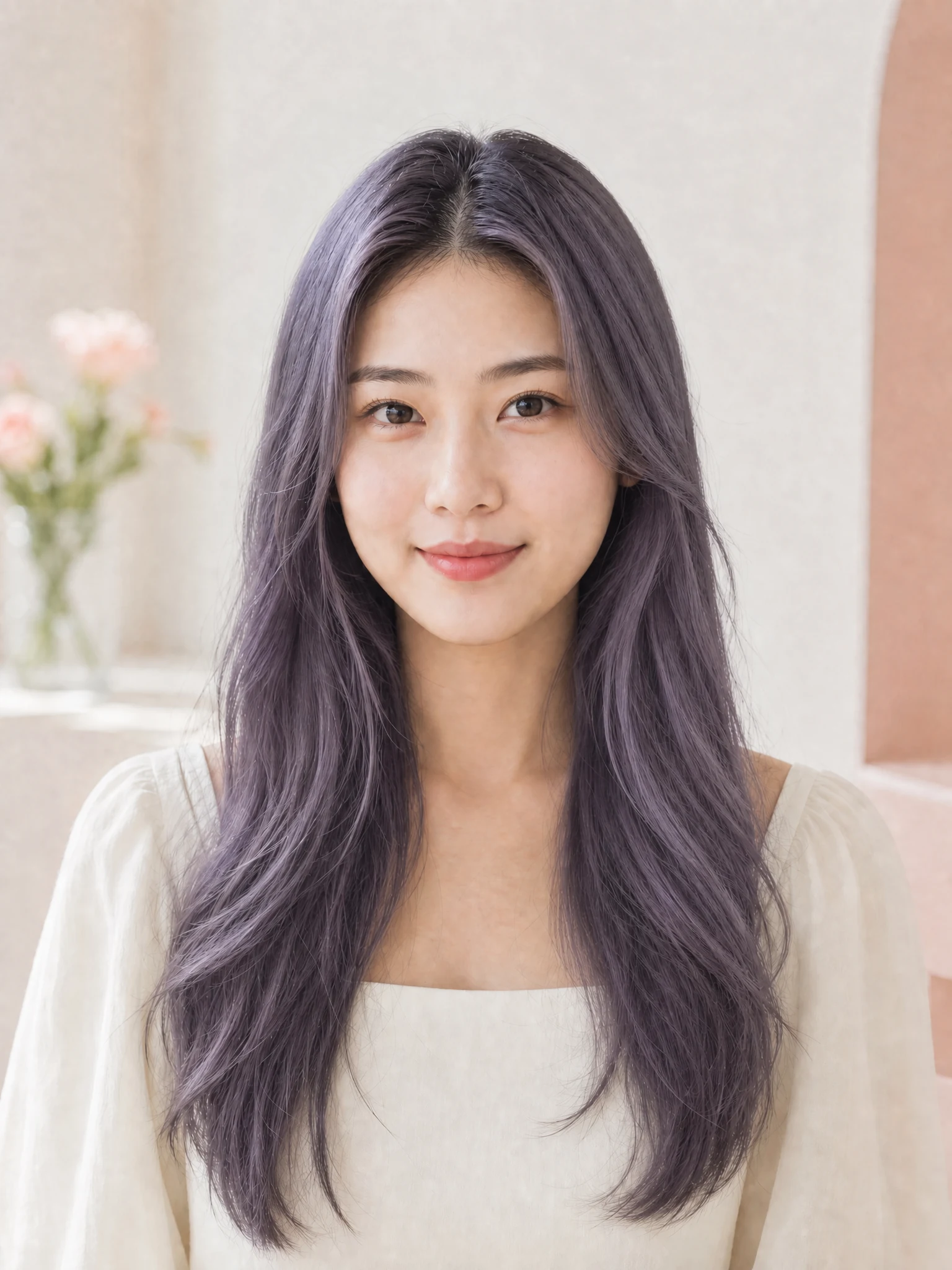
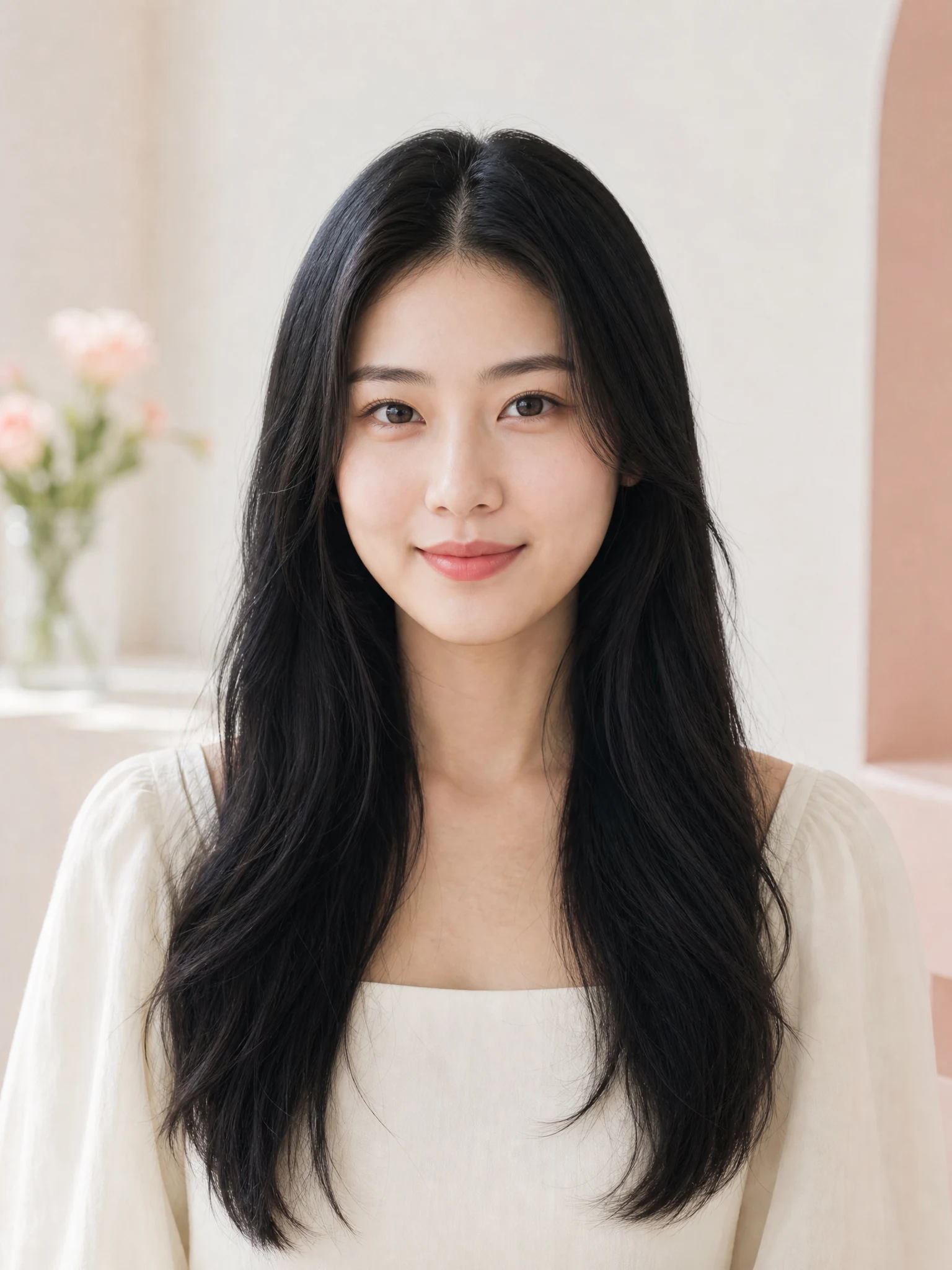 CaramelOriginal
Drag to compare
The AI Hair Color Changer is directed to preserve your haircut, expression, clothes, lighting, and background so the color remains the useful point of comparison.
Three simple steps
The AI Hair Color Changer guides your color decision from one clear portrait to a realistic, downloadable preview.
01
Use a front-facing photo in even light with the full hair outline visible.
02
Choose by looking at real examples, or open the custom color field for a specific request.
03
Create your own result, drag the comparison, and download the look you want to keep.
The AI Hair Color Changer keeps the choice visual, focused, and easy to understand.
The AI Hair Color Changer starts with useful salon directions instead of asking you to write a technical prompt.
Instructions prioritize your face, haircut, skin tone, and setting while changing color only.
Use the AI Hair Color Changer to compare distinct tones and arrive at your appointment with a clearer reference.
Hair color questions
Practical answers for getting a realistic and useful preview from the AI Hair Color Changer.
Use a sharp, front-facing portrait in even light. Keep the complete top, sides, and ends of your hair visible, and avoid hats, heavy shadows, or hands covering the hair.
Open the AI Hair Color Changer, upload one clear portrait, and create a personalized shade preview before making a real change.
Try this shade