
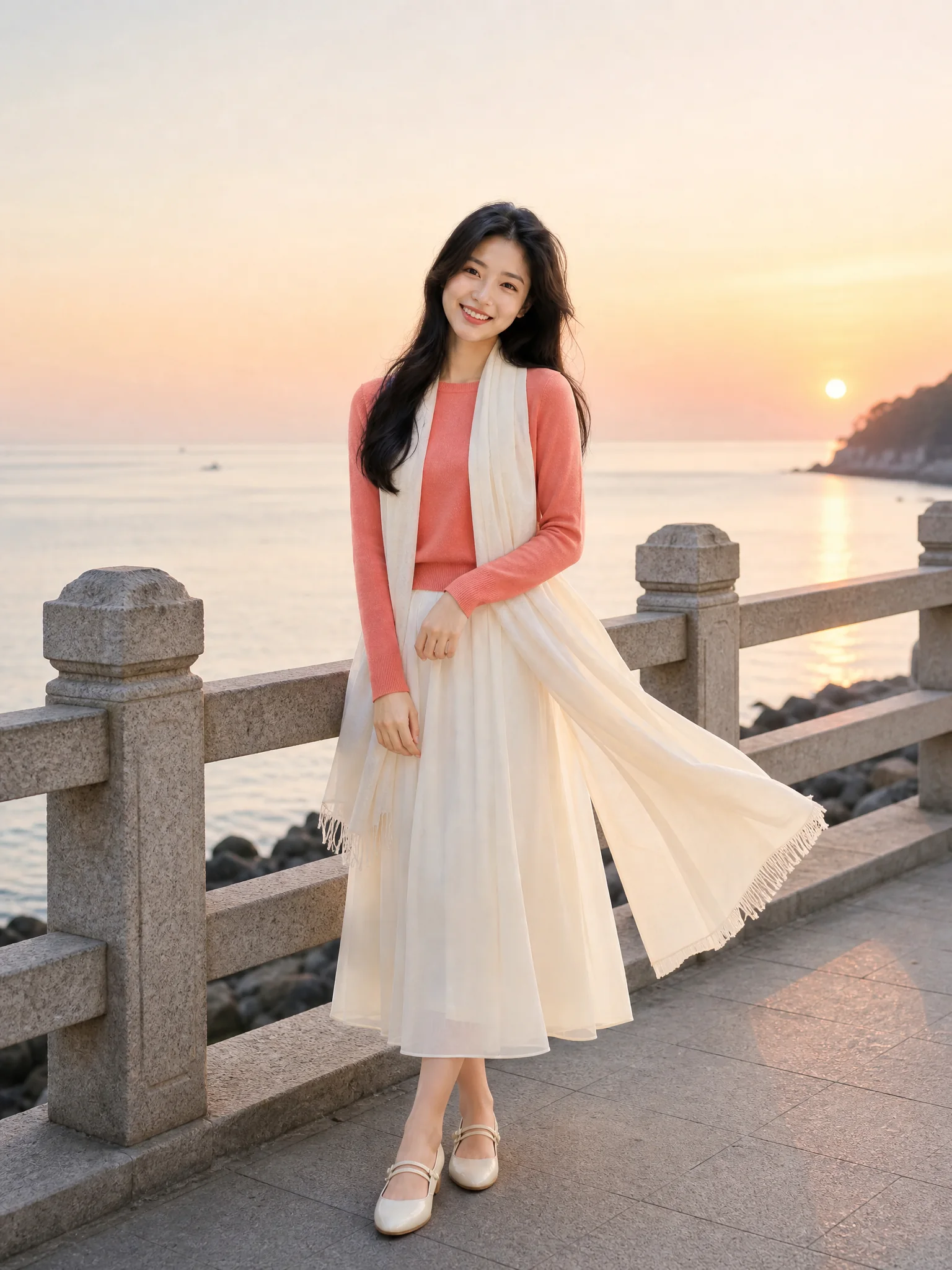
01
Choose a visual direction
Select the finished look that is closest to the photo you want to create.
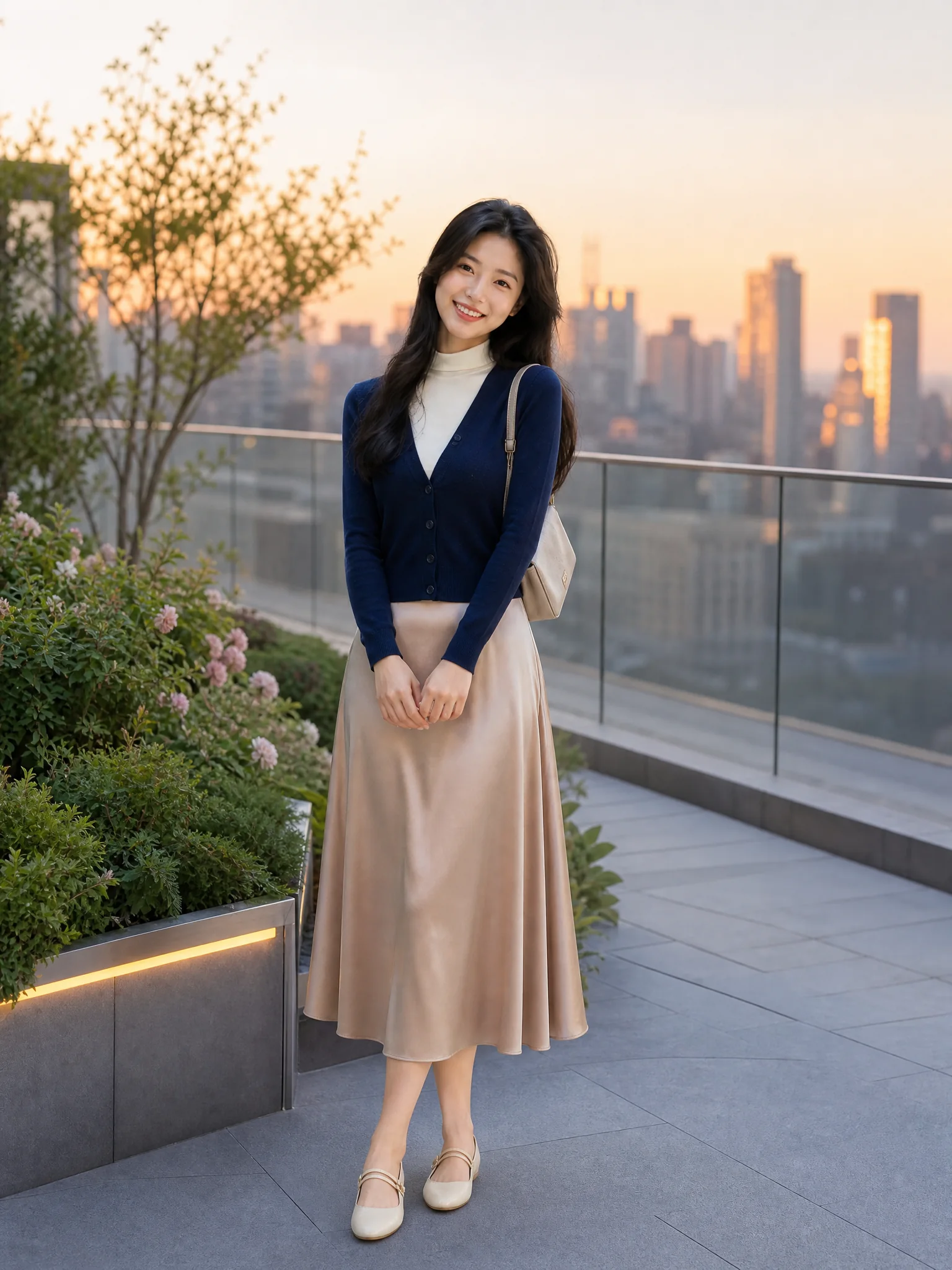
Pick a rooftop, cafe or seaside direction, choose the ratio in advanced options and generate only when the visual target feels right.
Choose a finished style and generate a new social-ready image.
Three different post moods
Compare location, outfit and color story before generating. Every Instagram Photo Generator preset uses a separate scene rather than recycling one background.
Prompt-light creation
Start from a visual direction, let the prepared prompt do the detailed work, and adjust only when you want more control.
01
Select the finished look that is closest to the photo you want to create.
02
The selected style supplies a complete prompt for lighting, composition, outfit, and mood.
03
Download the result or open custom direction to fine-tune the next generation.
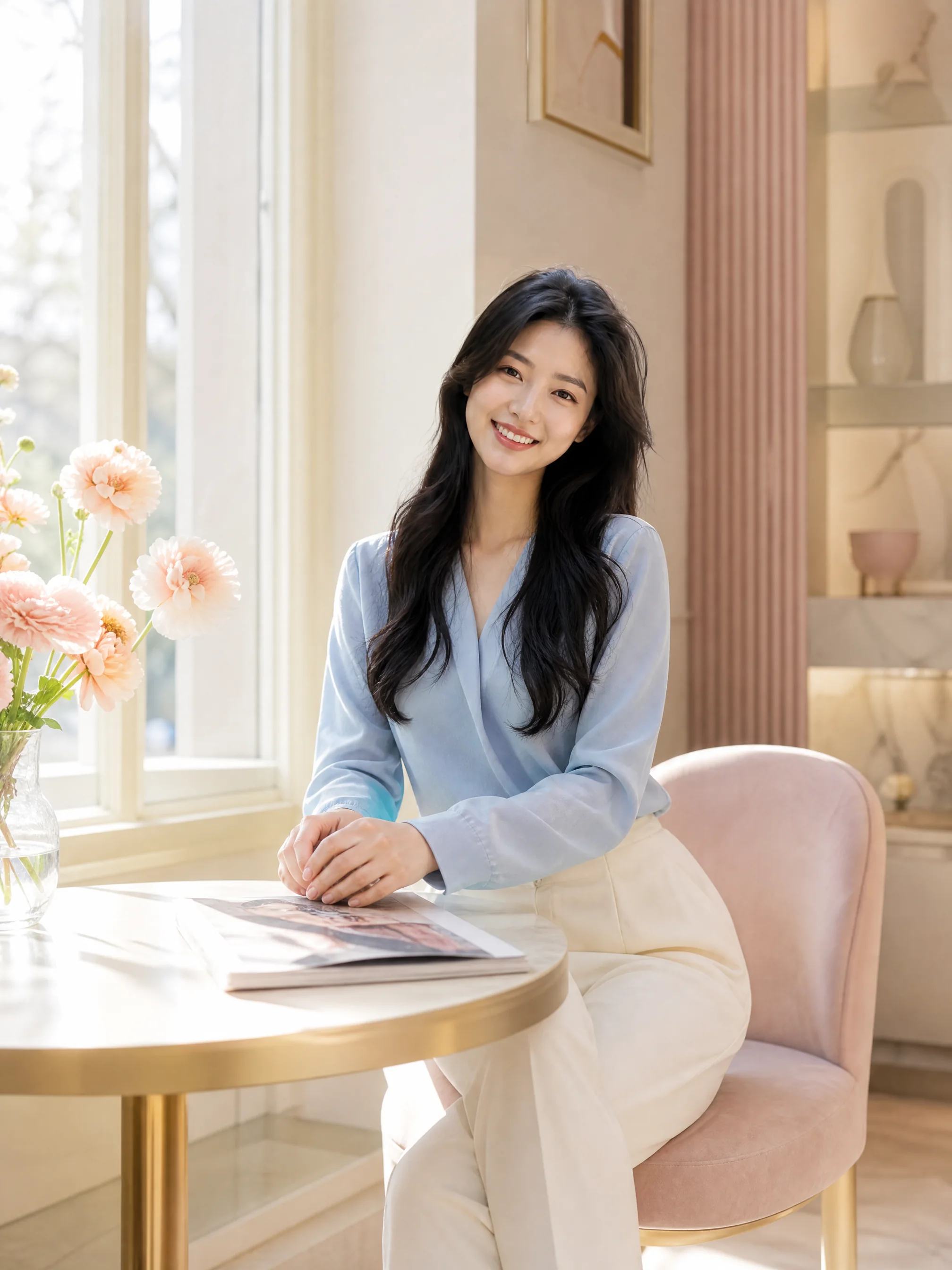
Every detail is organized around a fast, understandable and account-backed creative workflow.
See the intended result before spending credits, with prompts hidden until you actually need them.
Sign-in, task history, credit checks, result tracking and supported failure refunds use the existing secure account flow.
Each workflow is connected to a focused KIE-backed image model instead of a decorative demo button.
Social image help
Answers about ratios, visual presets, prompts, credits, usage rights and responsible AI creation.
Choose 3:4 for a portrait-oriented image with room for a later 4:5 feed crop, or 1:1 for a reusable square asset. Keep safe space around faces and hands.
Choose one distinct visual direction, confirm a social-ready ratio and create a polished image without starting from a blank prompt.
Try it now