01
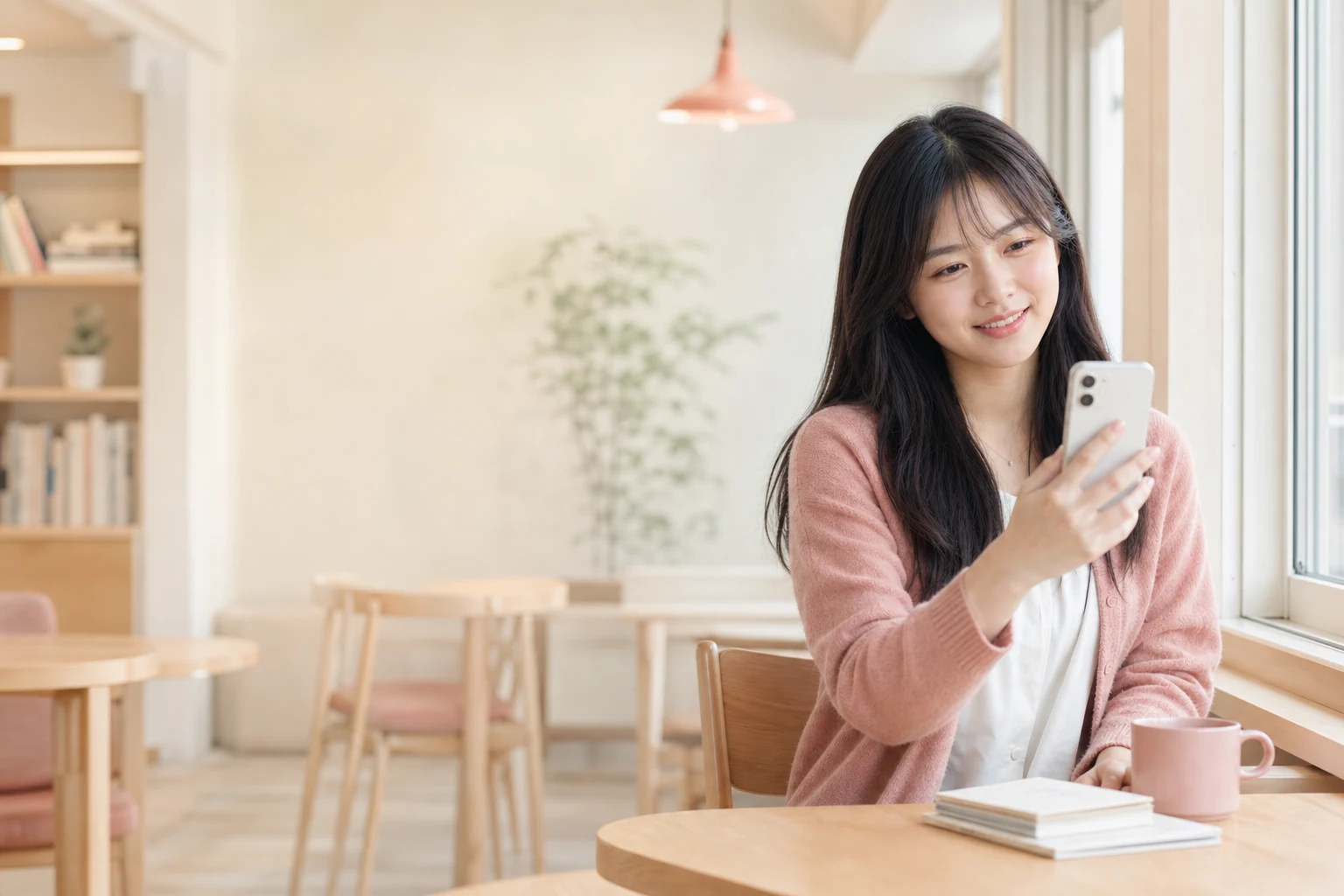
Upload one clear photo
Choose a well-lit image with the subject fully visible and no heavy filters.
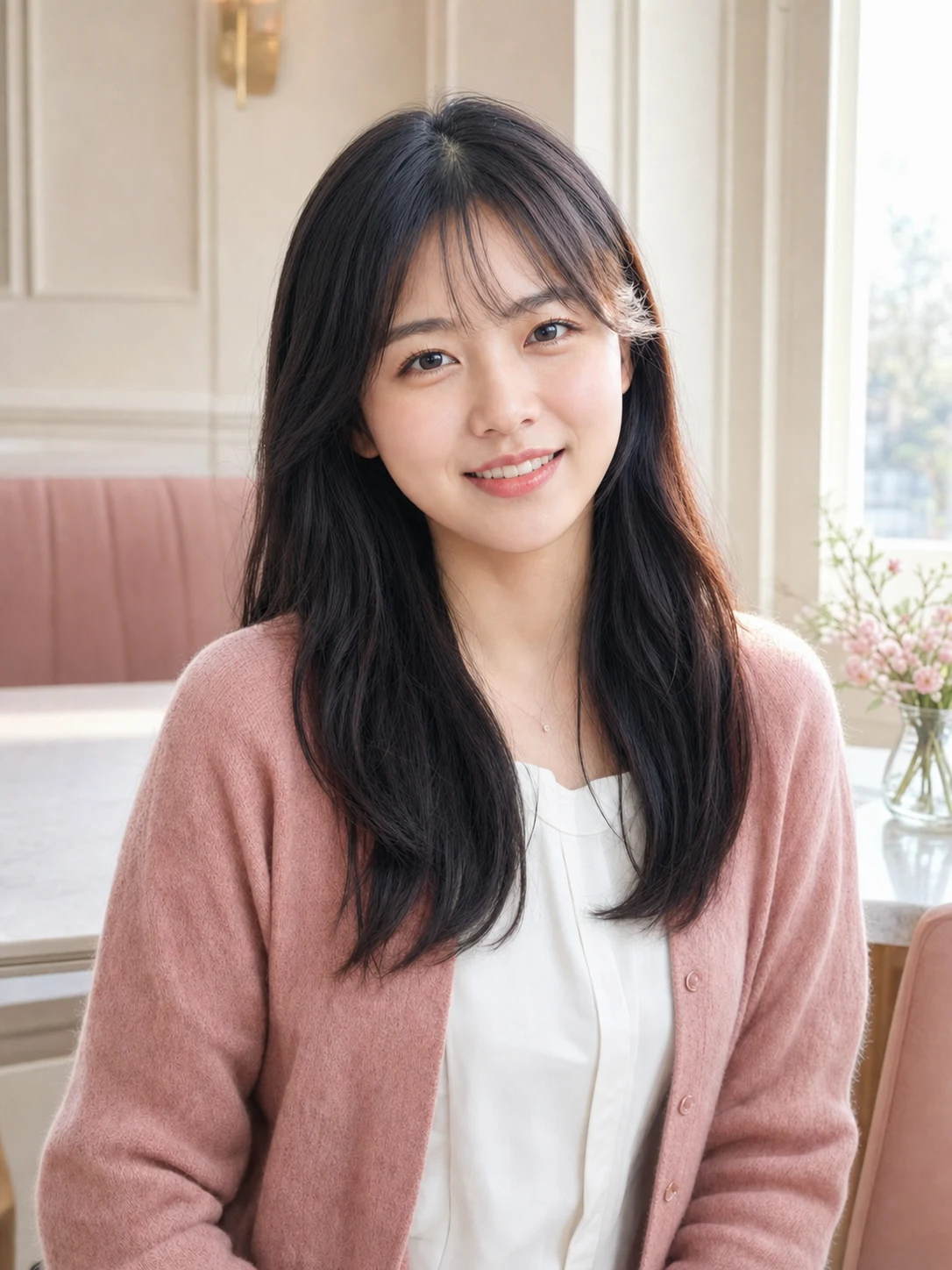
The AI Selfie Editor previews real result directions, not prompt suggestions. Pick one, upload your selfie, and generate only when you are ready.
JPEG, PNG, or WebP up to 20 MB
Results stay empty until the model finishes your selected edit.
 EditedOriginal
Identity stays central
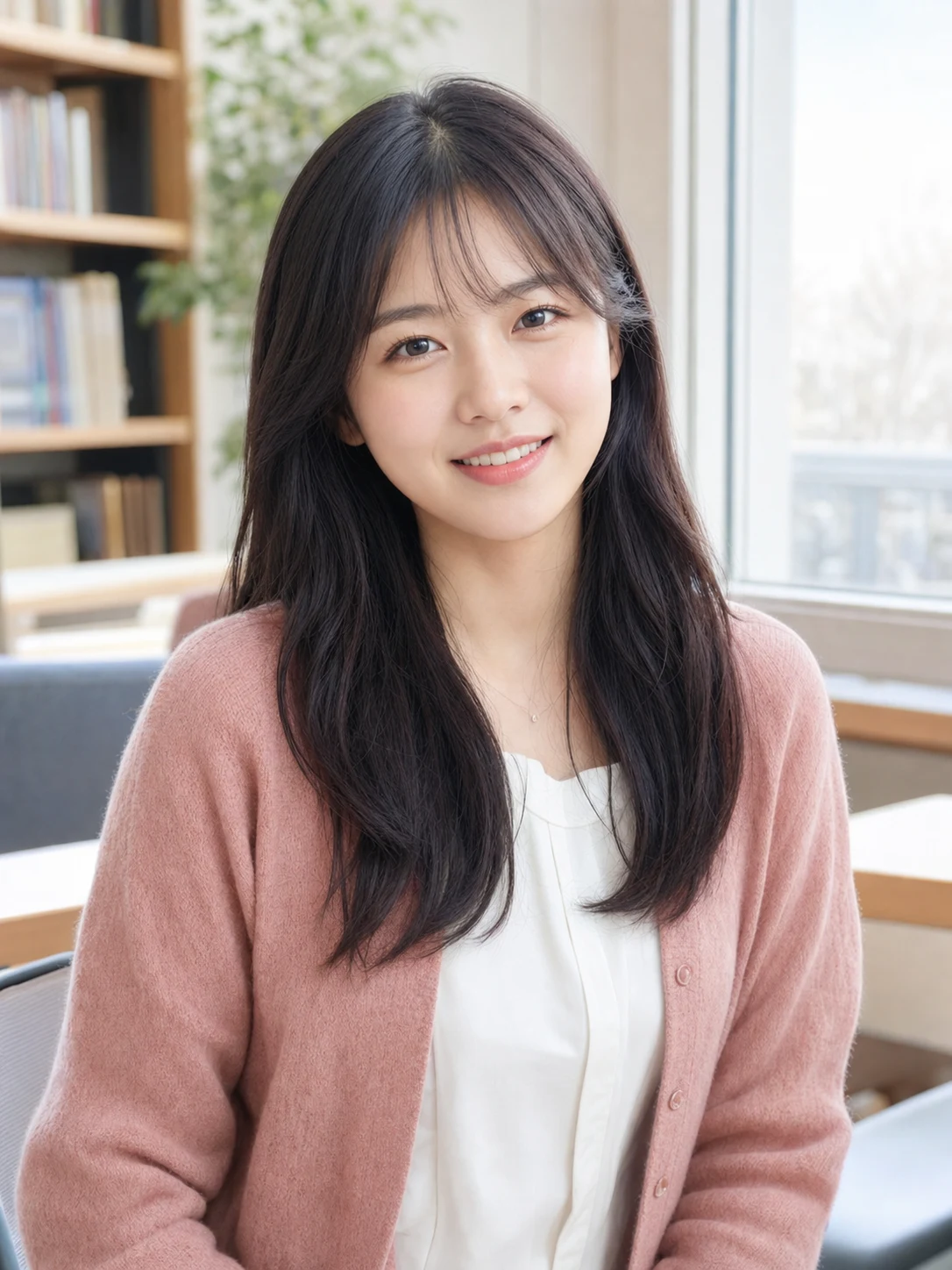
Drag the comparison to see how the AI Selfie Editor can improve atmosphere and polish while keeping the original face, outfit and pose recognizable.
Natural skin texture stays visible
Face and expression stay recognizable
Lighting and mood do the visual work
Three useful directions
Each AI Selfie Editor example uses the same adult model so you can judge what the edit changes and what it preserves.
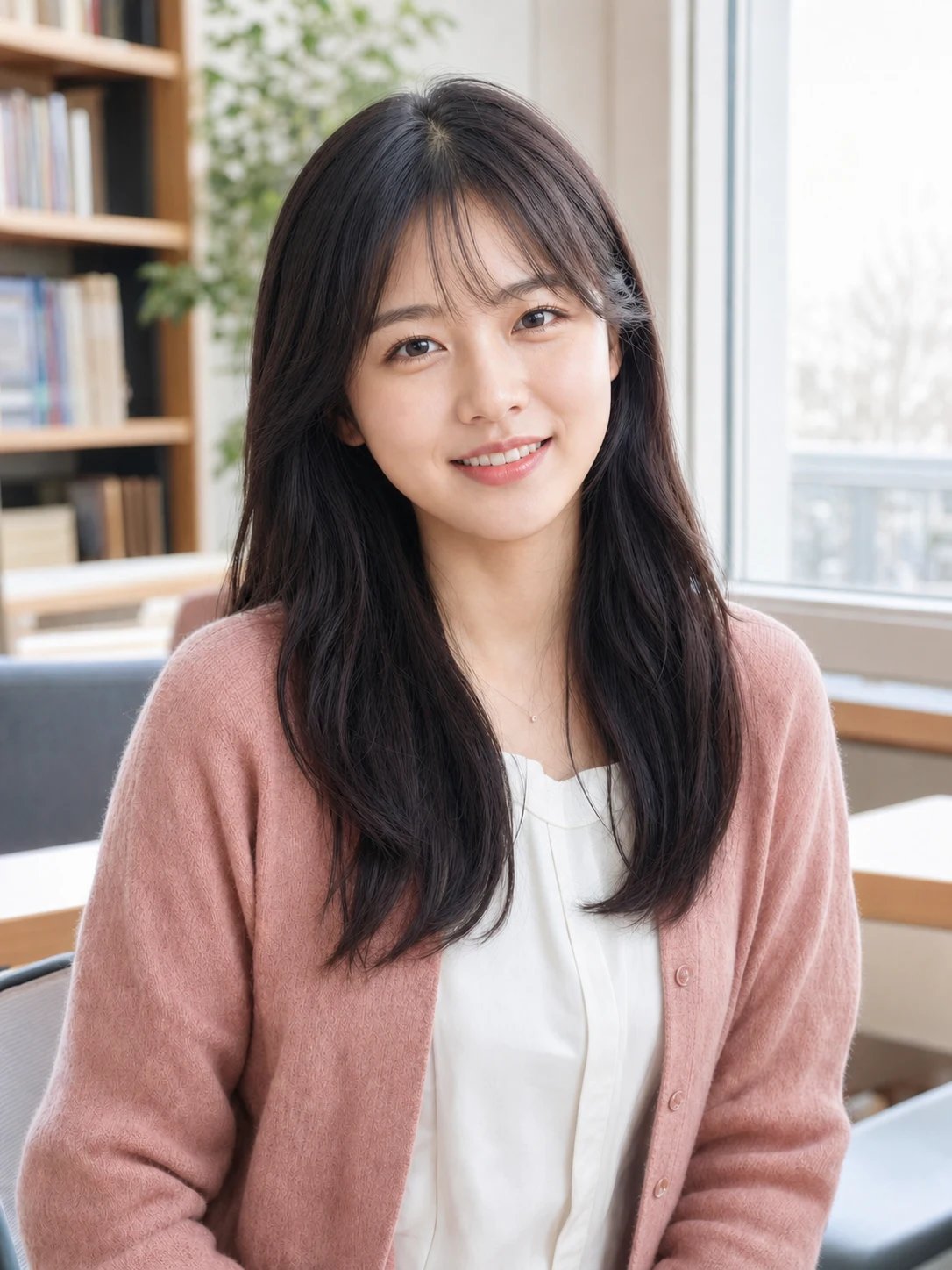
Natural window light
Balanced exposure and fresh detail for everyday portraits that should stay believable.
Cream cafe lifestyle
A soft, bright setting for profile posts, campus moments and relaxed lifestyle photos.
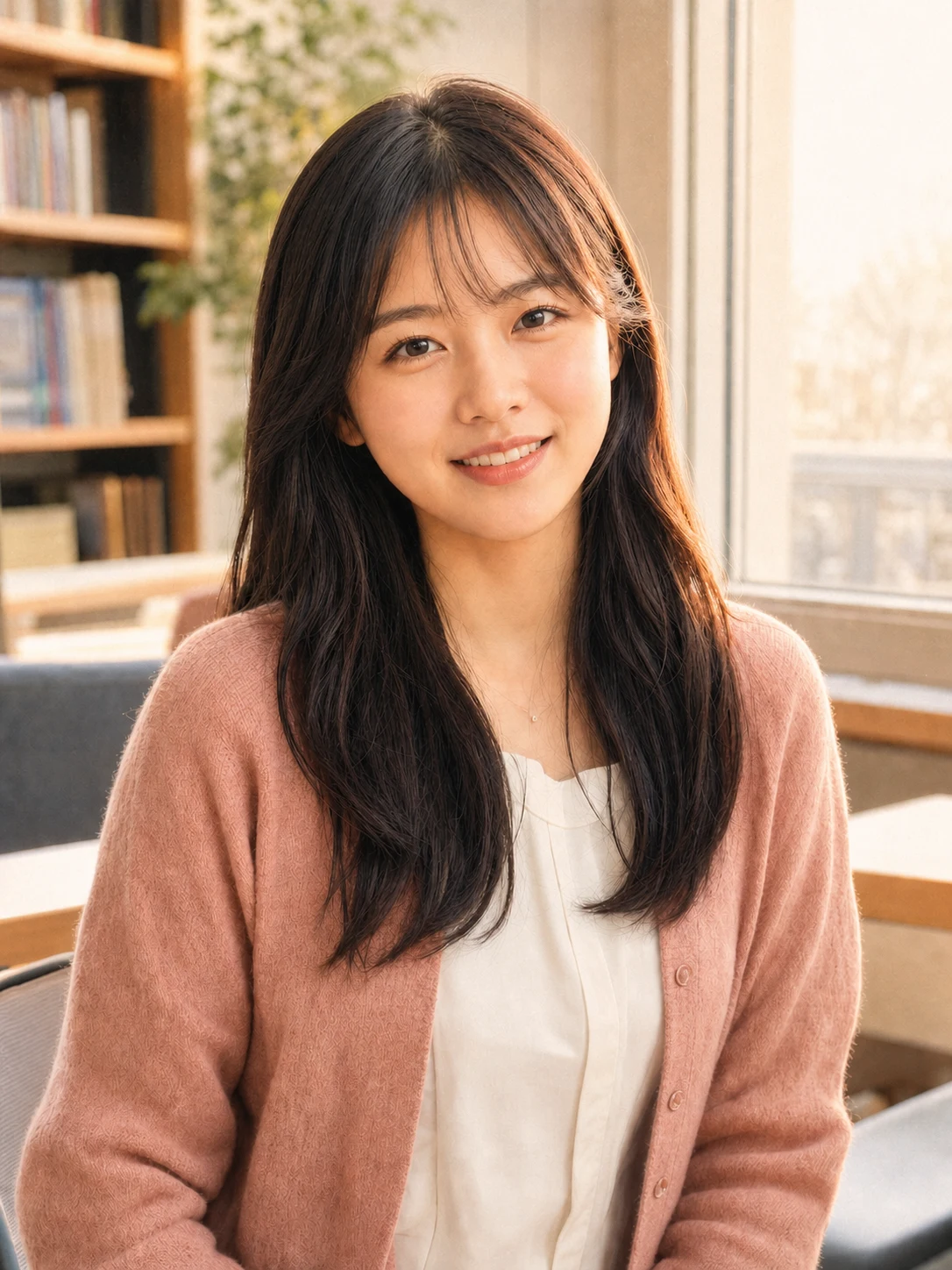
Warm film glow
Golden highlights and gentle color character for a more editorial social look.
Simple photo workflow
The experience stays visual and focused: upload once, choose a result direction, then generate and download.
01
Choose a well-lit image with the subject fully visible and no heavy filters.
02
Use the visual examples instead of writing a complicated prompt from scratch.
03
Review the finished result, regenerate if needed, and save the version you like.
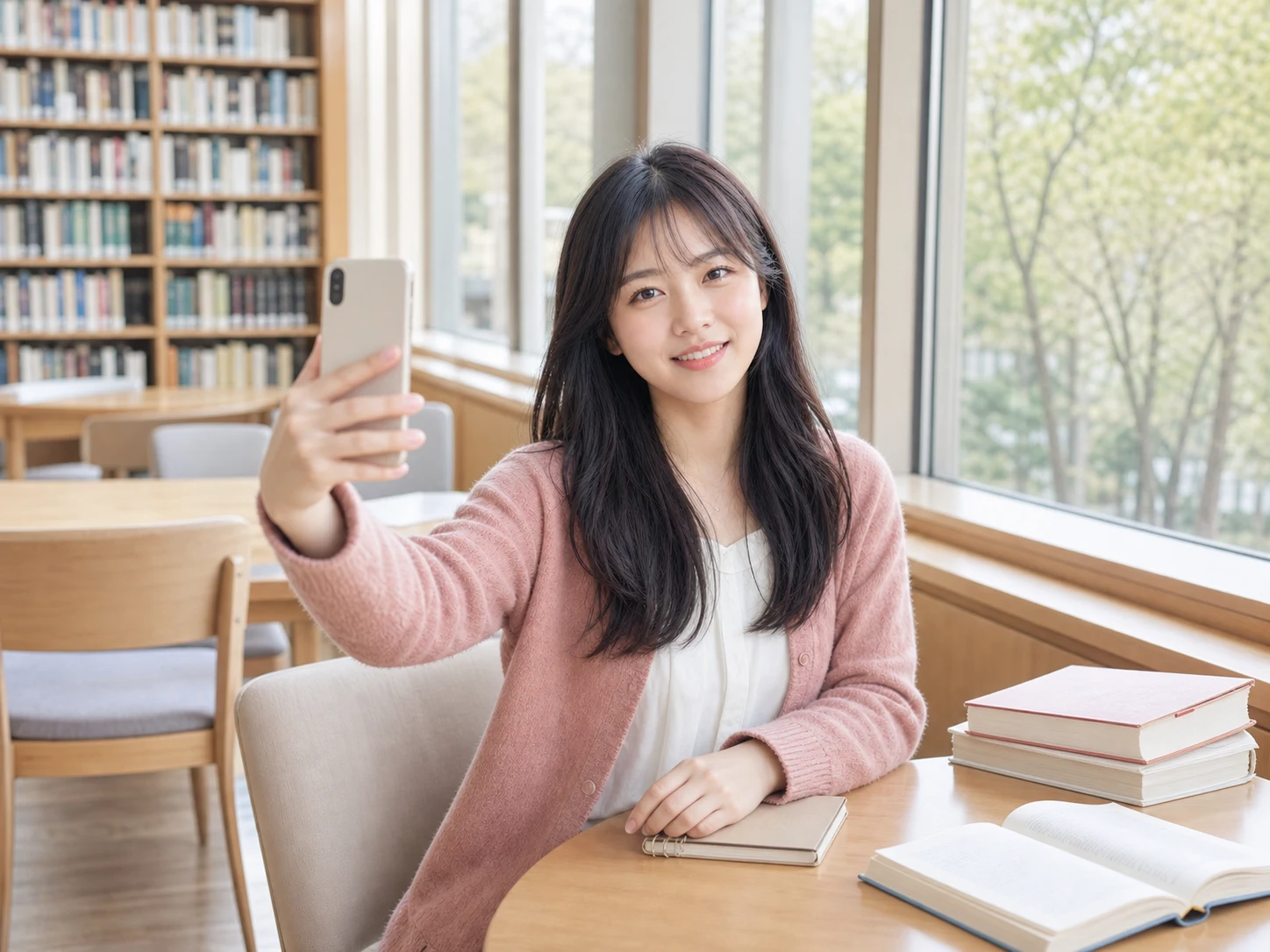
Every detail is organized around a fast, understandable and account-backed creative workflow.
See the intended result before spending credits, with prompts hidden until you actually need them.
Sign-in, task history, credit checks, result tracking and supported failure refunds use the existing secure account flow.
Each workflow is connected to a focused KIE-backed image model instead of a decorative demo button.
Before you edit
Answers about suitable selfies, face preservation, custom directions, credits and privacy.
Use a clear photo of one adult person with the full face visible, enough space around the hair and chin, and no heavy beauty filter. Even lighting gives the AI Selfie Editor the best base for a natural result.
Upload one clear selfie, choose an AI Selfie Editor finish you can picture yourself using, and generate a result that keeps the attention on you.
Try it now