
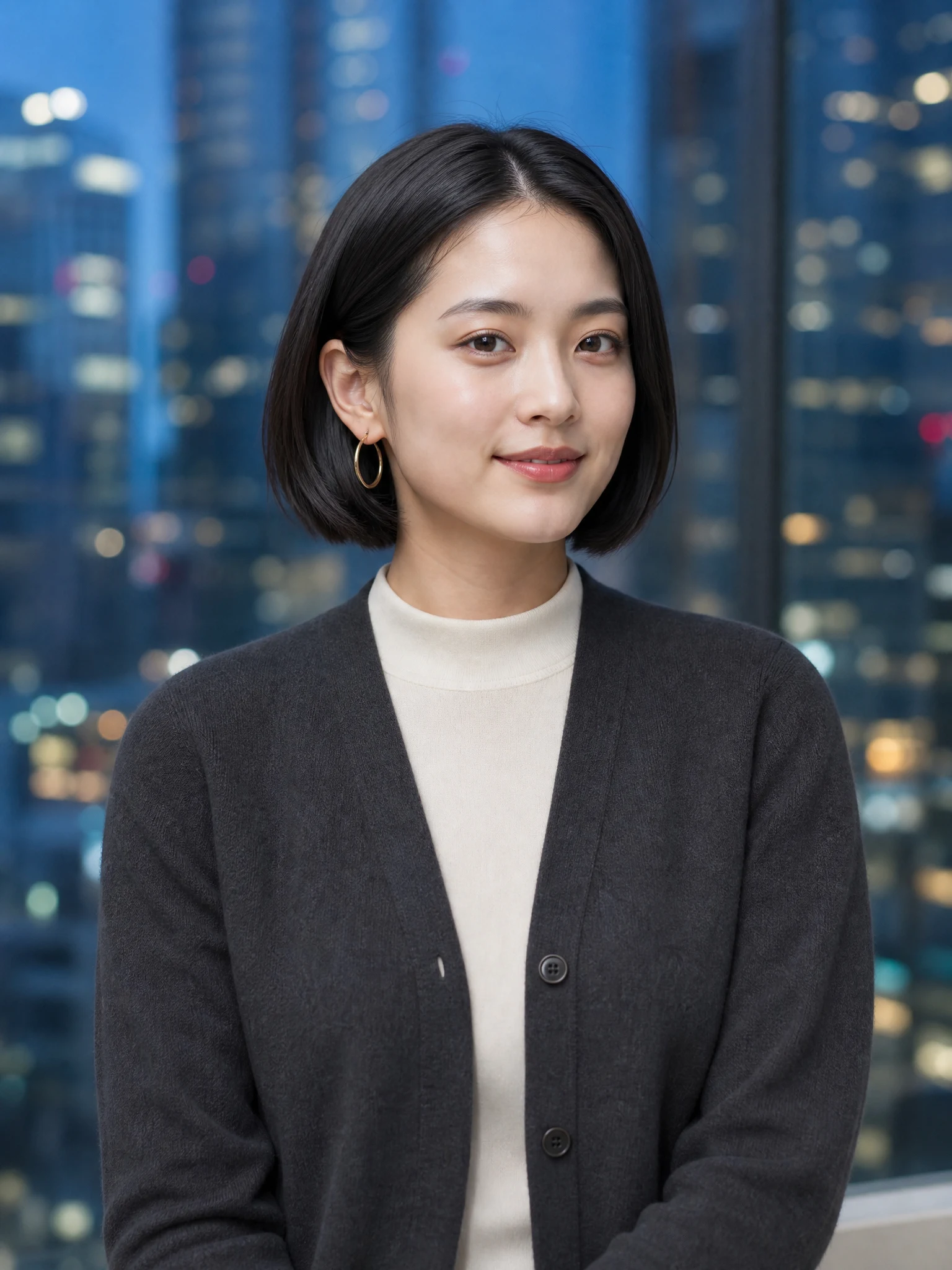
01
Upload one clear photo
Choose a well-lit image with the subject fully visible and no heavy filters.
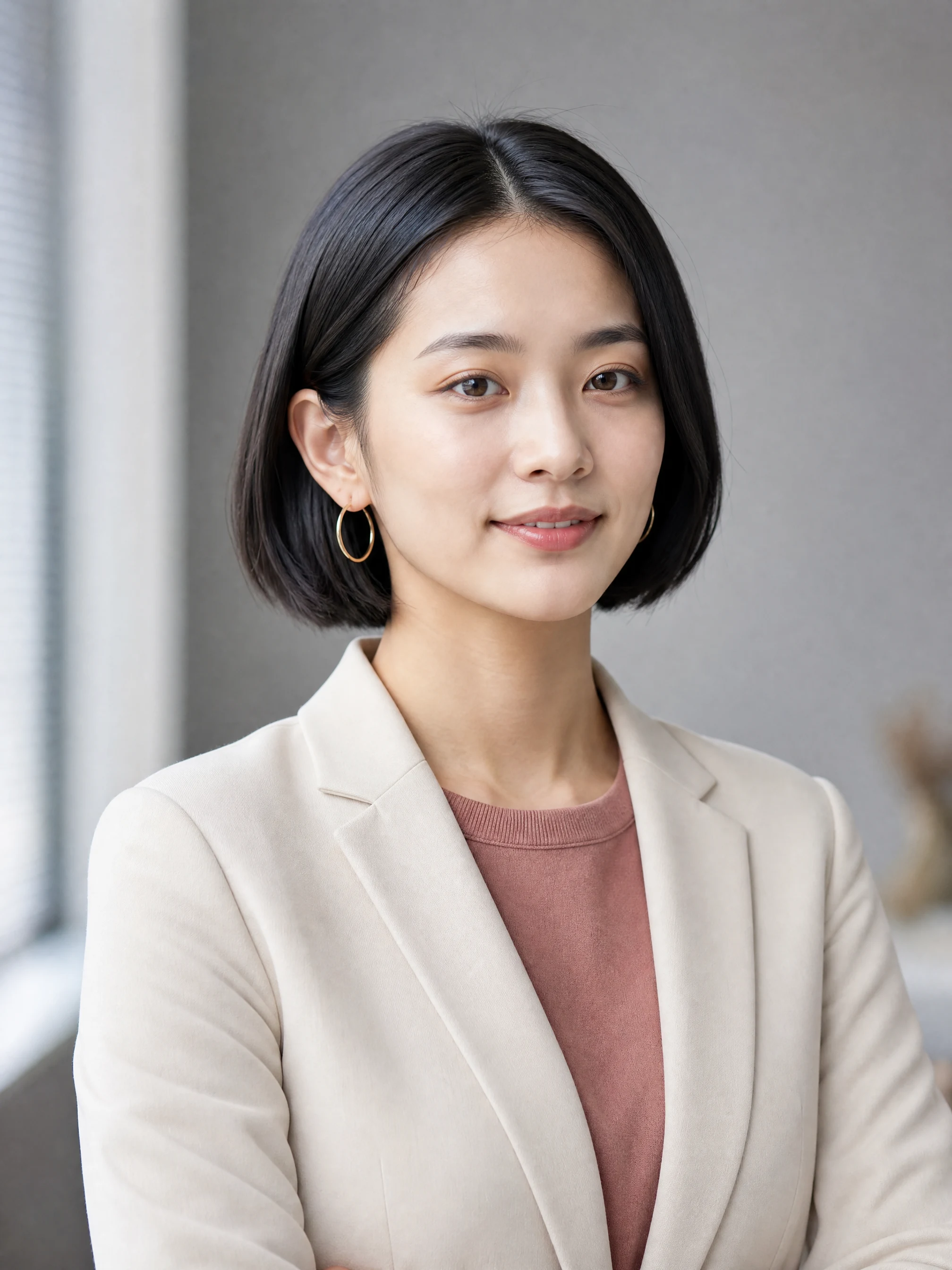
Upload a clear portrait and choose the finished professional style closest to your goal.
JPEG, PNG, or WebP up to 20 MB
Select a style, upload one portrait and generate when the direction feels right.
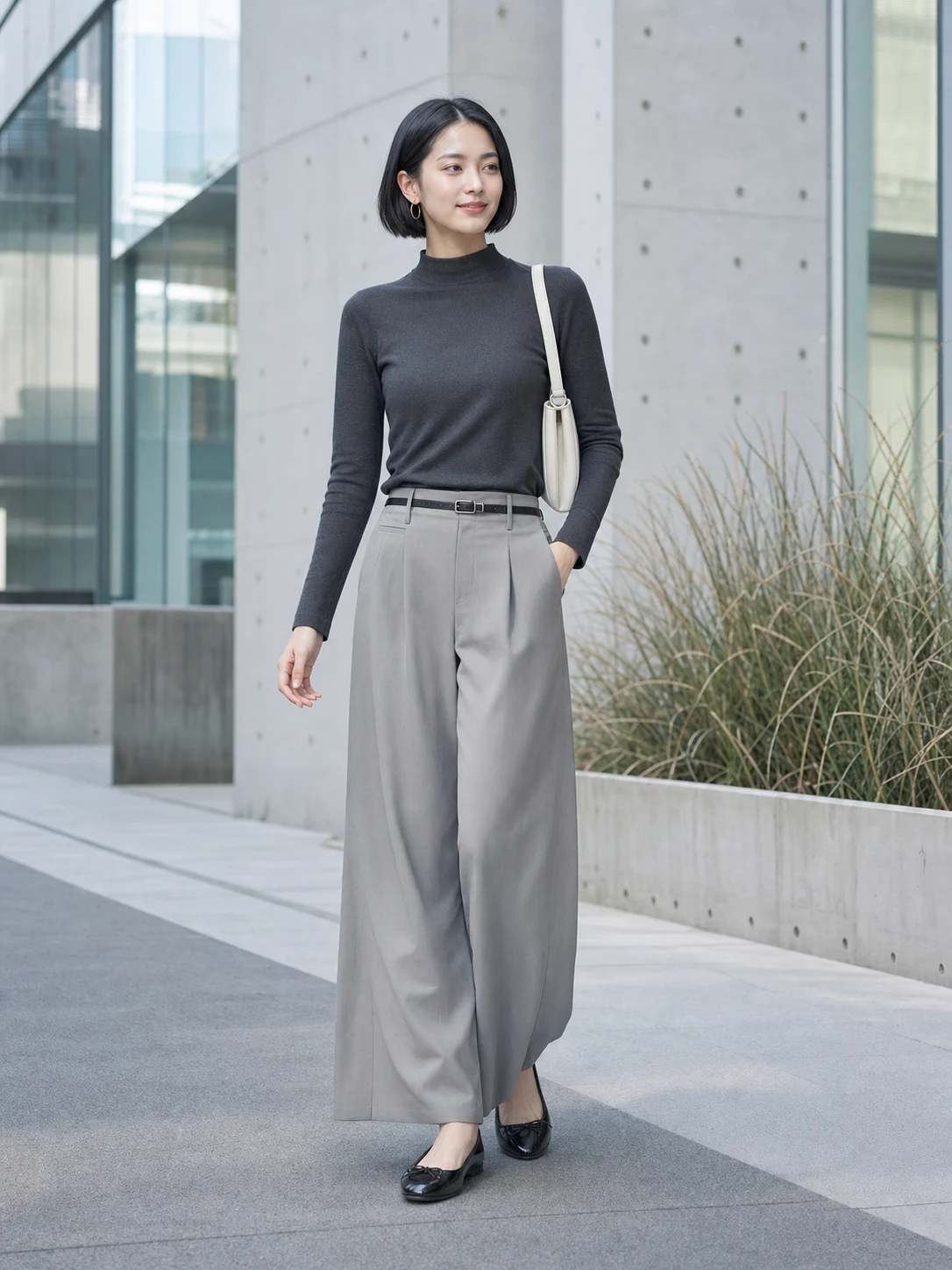 Professional headshotSource portrait
Source to professional
Compare the source with the professional result. The AI Headshot Generator changes styling, light and context while asking the model to preserve adult identity.
Keeps facial proportions recognizable
Uses clean head-and-shoulders framing
Matches outfit and setting to the role
Professional directions
Choose a role-appropriate outfit, background and mood before generating the final AI headshot.
Simple photo workflow
The experience stays visual and focused: upload once, choose a result direction, then generate and download.
01
Choose a well-lit image with the subject fully visible and no heavy filters.
02
Use the visual examples instead of writing a complicated prompt from scratch.
03
Review the finished result, regenerate if needed, and save the version you like.
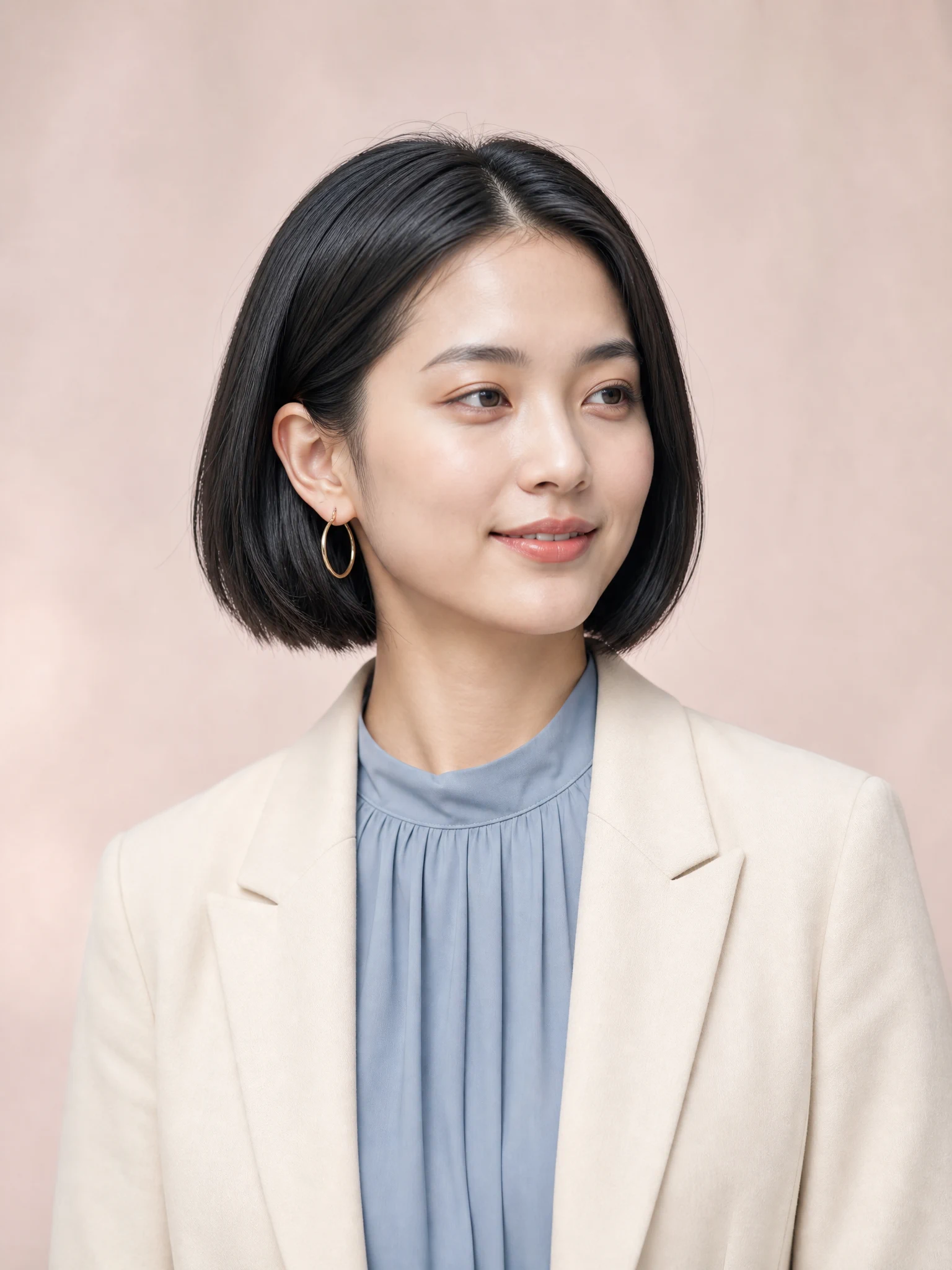
Every detail is organized around a fast, understandable and account-backed creative workflow.
See the intended result before spending credits, with prompts hidden until you actually need them.
Sign-in, task history, credit checks, result tracking and supported failure refunds use the existing secure account flow.
Each workflow is connected to a focused KIE-backed image model instead of a decorative demo button.
Professional portrait help
Answers about source photos, identity, career styles, credits and professional use.
Use a clear adult portrait with the full head and chin visible, natural light, minimal filtering and no heavy obstruction across the face.
Choose a career-ready style, upload one clear portrait and generate a polished headshot without writing a complex prompt.
Try it now