
01
Upload one clear photo
Choose a well-lit image with the subject fully visible and no heavy filters.
Upload one photo and choose a visual cleanup direction before spending credits.
JPEG, PNG, or WebP up to 20 MB
Choose a cleanup direction, upload the original, then start the AI People Remover.
 Clean resultCrowded source
Before and after
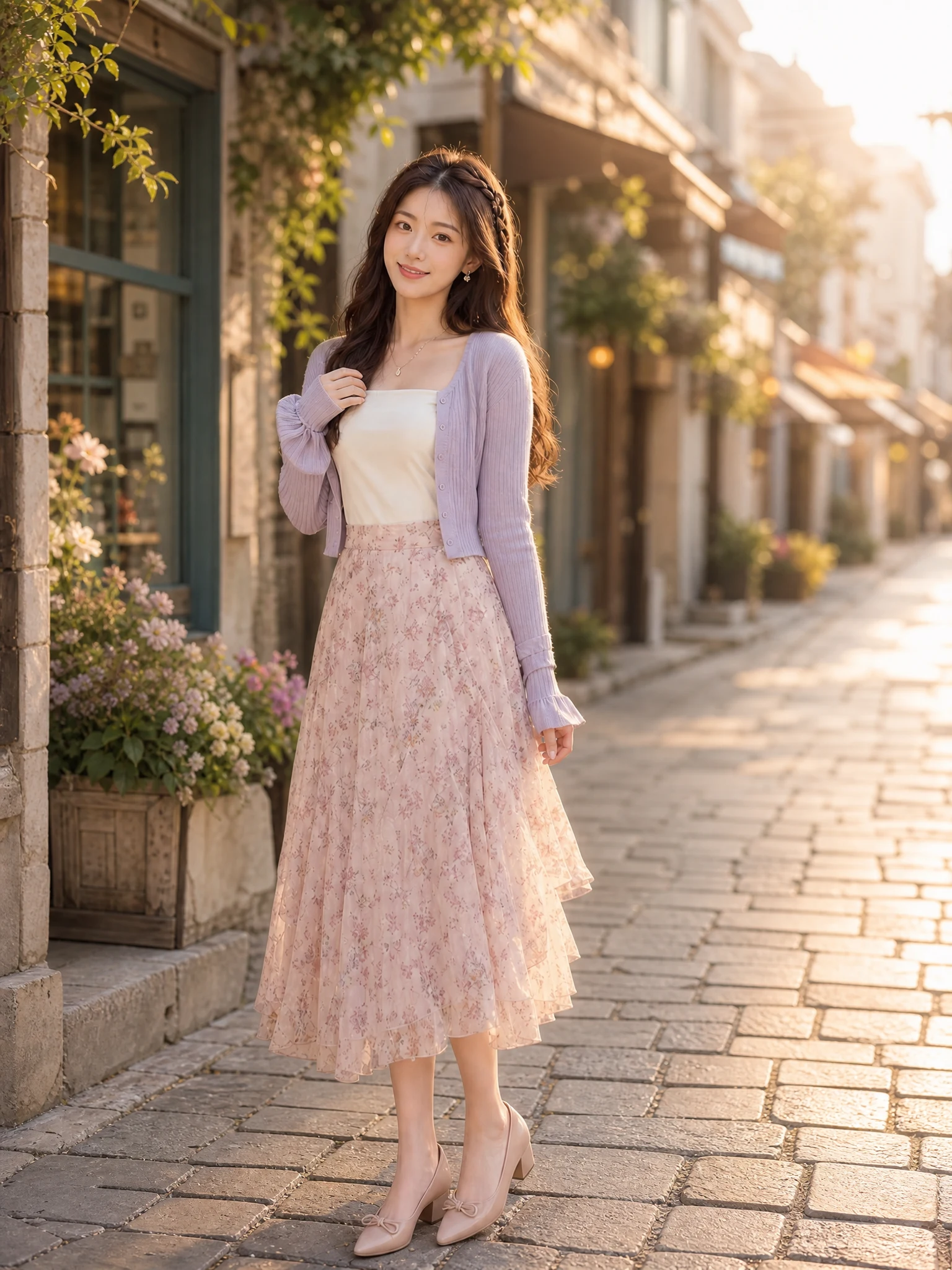
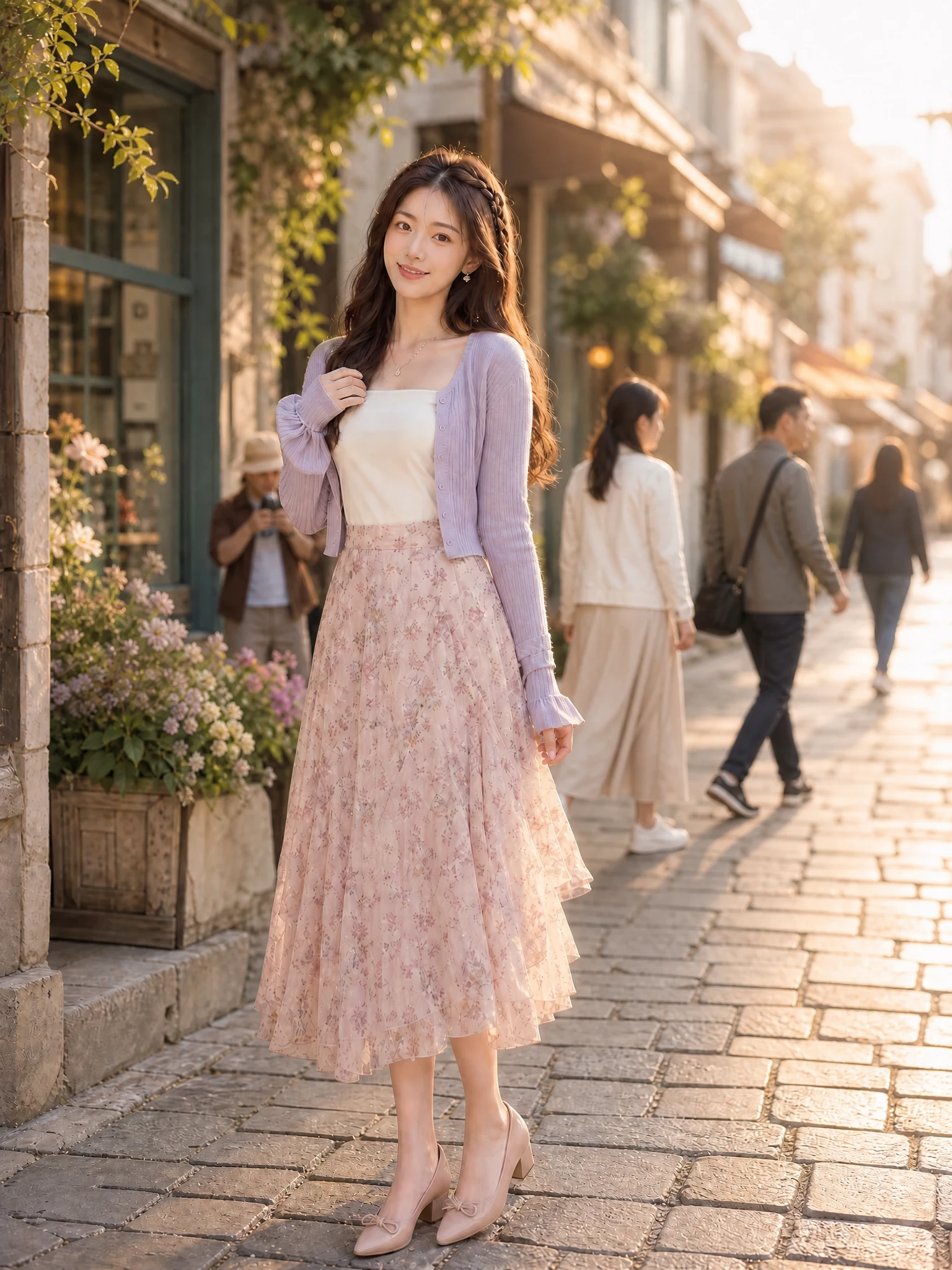
Move the slider to compare the crowded source with the cleaned result. The AI People Remover removes other people, then rebuilds the hidden street and background.
Protects the main adult subject
Rebuilds hidden background texture
Checks lighting, edges and perspective
Crowd-free results
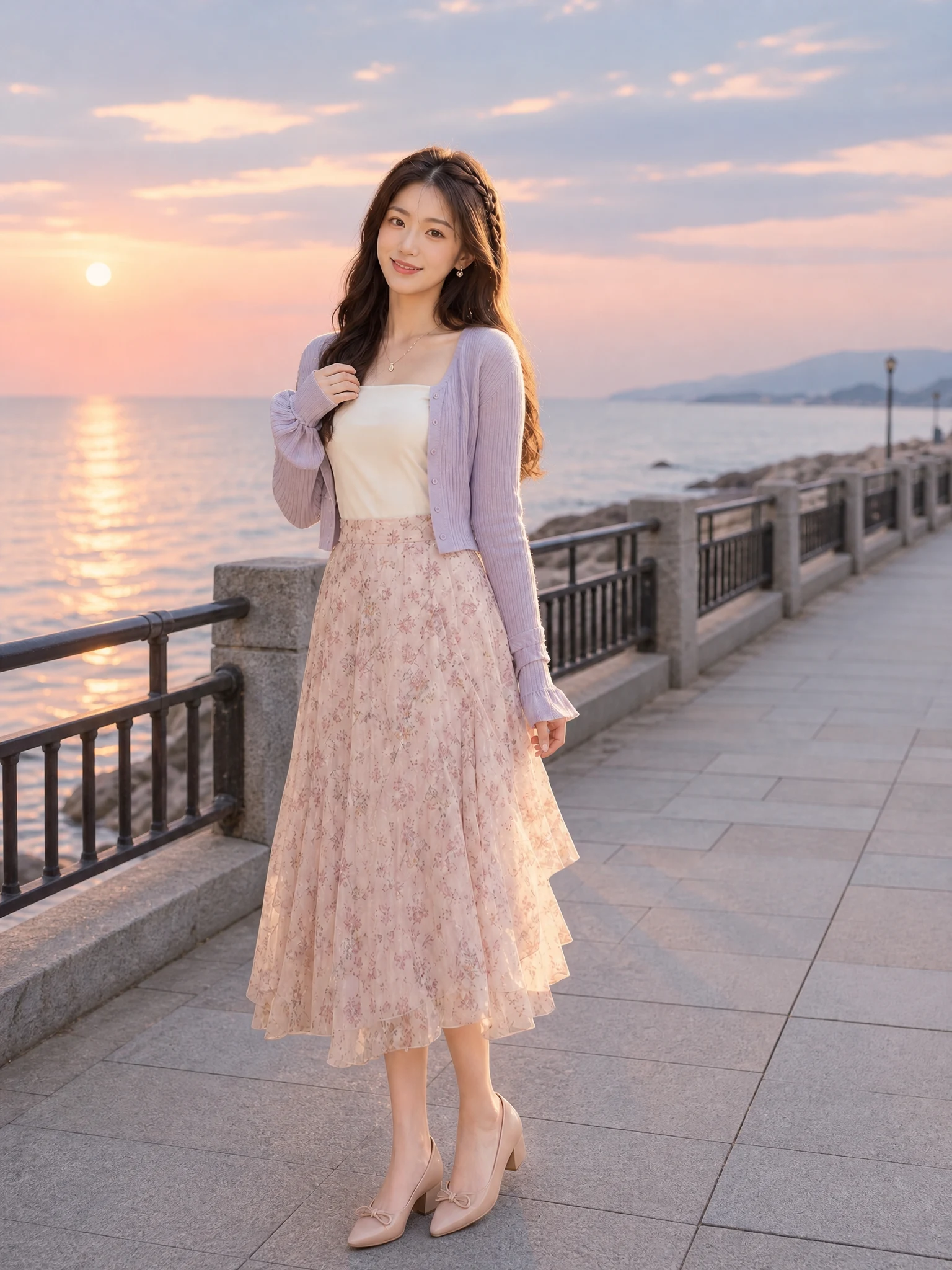
These AI People Remover examples show how different surroundings need different texture, edge and depth reconstruction.
Simple photo workflow
The experience stays visual and focused: upload once, choose a result direction, then generate and download.
01
Choose a well-lit image with the subject fully visible and no heavy filters.
02
Use the visual examples instead of writing a complicated prompt from scratch.
03
Review the finished result, regenerate if needed, and save the version you like.

Every detail is organized around a fast, understandable and account-backed creative workflow.
See the intended result before spending credits, with prompts hidden until you actually need them.
Sign-in, task history, credit checks, result tracking and supported failure refunds use the existing secure account flow.
Each workflow is connected to a focused KIE-backed image model instead of a decorative demo button.
People-removal help
Answers about suitable photos, difficult overlaps, reconstruction, credits and privacy.
Choose a clear photo where the main adult subject is easy to distinguish from passers-by. The AI People Remover performs best when other people do not cover large parts of the subject.
Upload one travel photo, choose a reconstruction direction and clear distracting passers-by without writing a complex prompt.
Try it now